16
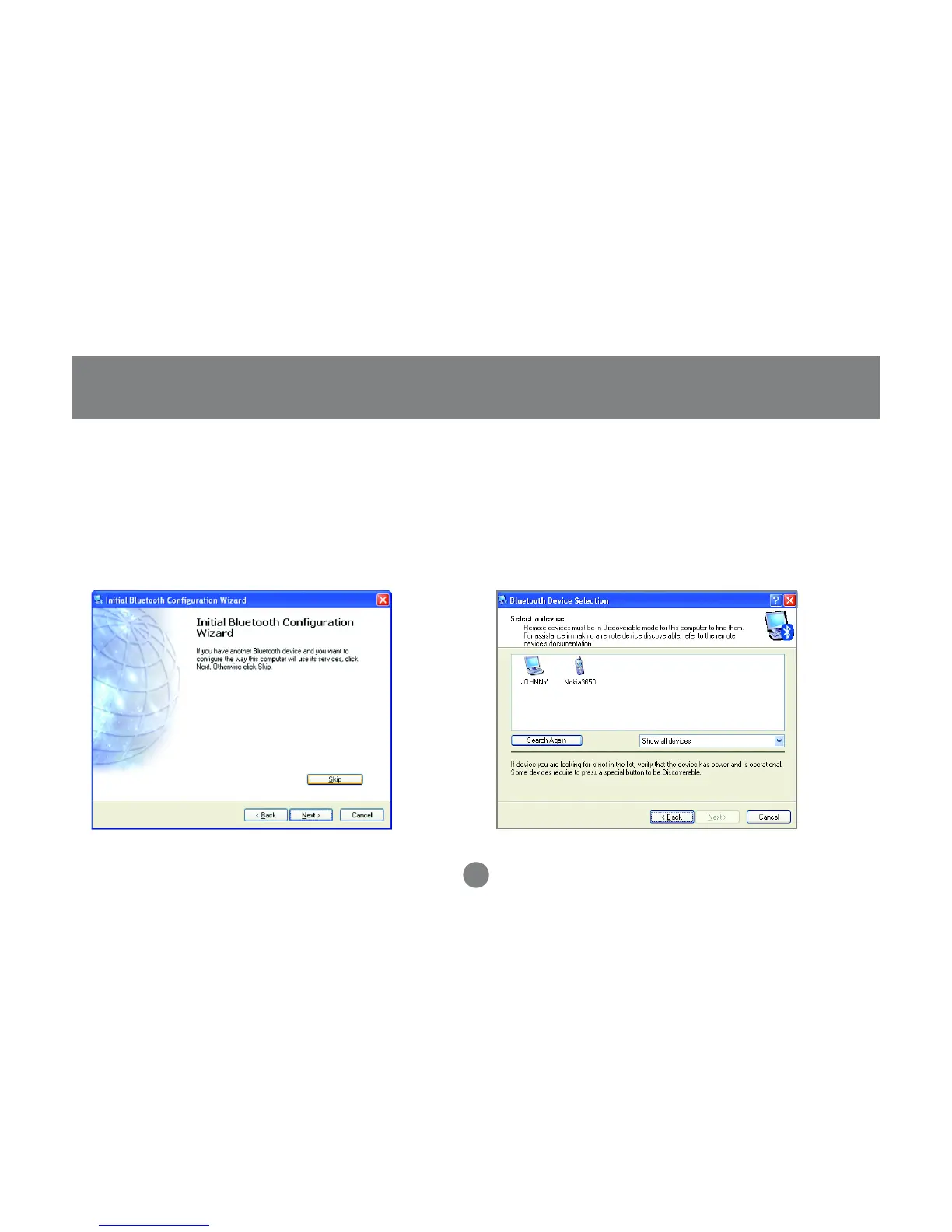
Initial Bluetooth™ Configuration Wizard
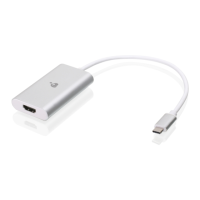
After the configuration, you can double click
the Bluetooth icon to My Bluetooth Place,
and search for the nearby Bluetooth devices
Note: If the desired device does not appear,
click on the [Search Again] button.
8.
Once Windows is finished installing the software,
the following window will appear. This window will
allow you to configure your computer to use the
service of another Bluetooth Device.
If you do not have any additional devices you wish
to connect to at this time, click [Skip]. Click
[Finish] on the final screen.
7.



 To Next Page