13
Initial Bluetooth™ Configuration Wizard
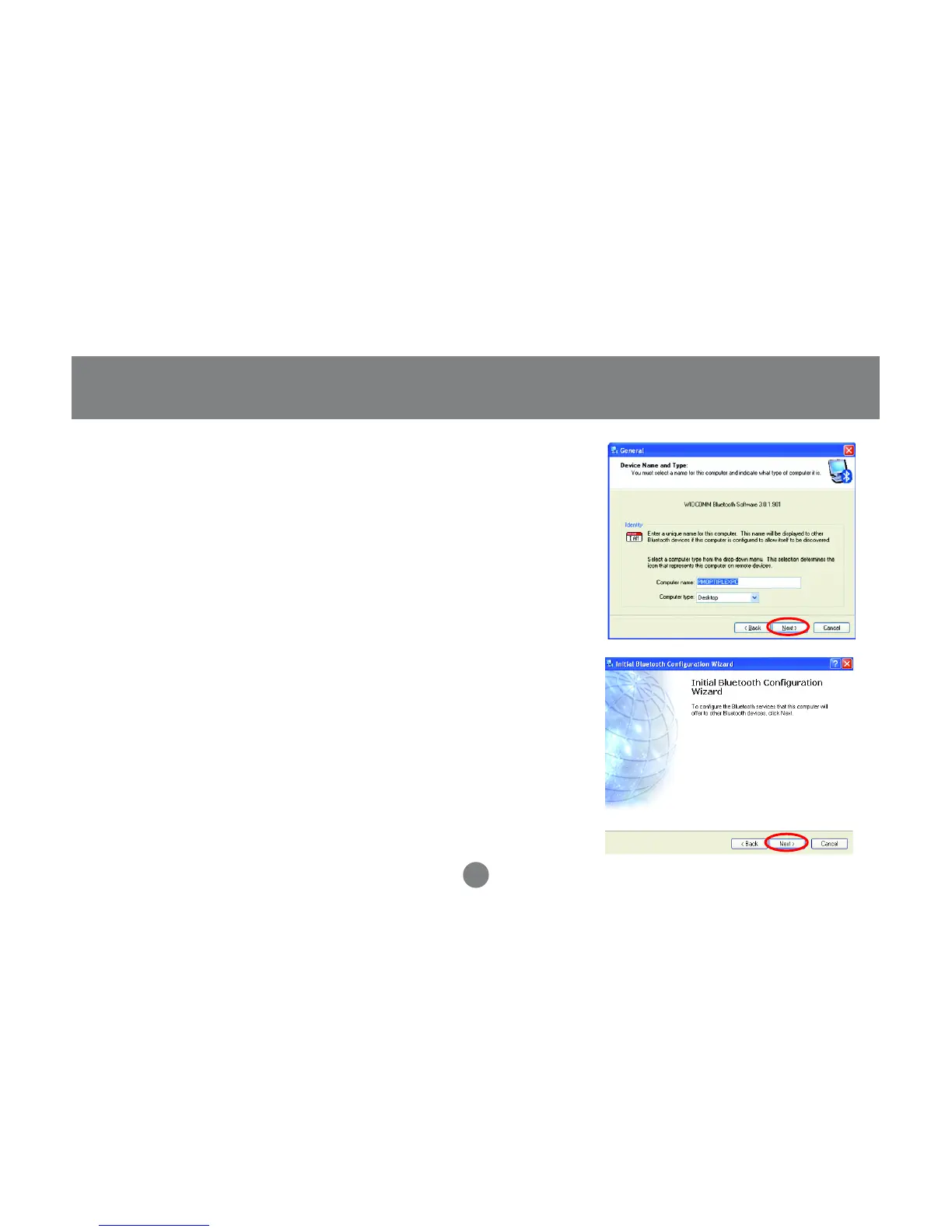
Next, enter a unique name for this computer.
This name will be displayed to other Bluetooth™
devices. Select a computer type from the drop-
down menu and click Next.
3.
Click Next to configure the services this
computer will offer to other Bluetooth™
devices.
4.



 To Next Page