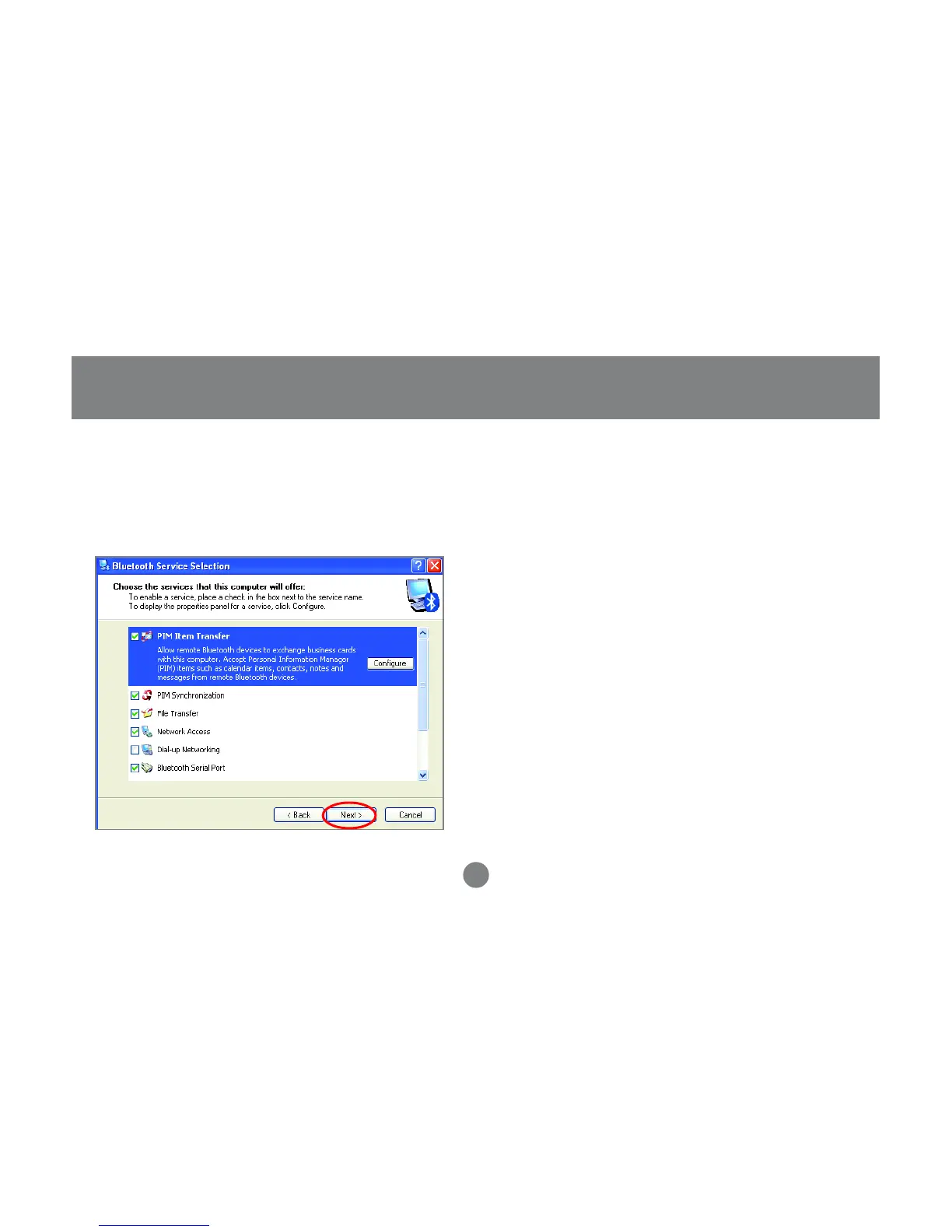
Choose the services that this computer will
offer to other Bluetooth™ devices by placing
a check in the box. To display the properties,
click on the configure button.
Click Next to proceed.
14
5. At this point, Windows will install the software
necessary for the services you selected.
6.
Initial Bluetooth™ Configuration Wizard



 To Next Page