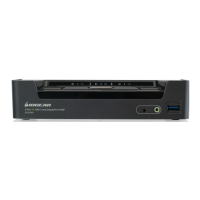
Use the Firmware Upgrade Cable provided with this unit to connect a COM port on your computer to the
Firmware Upgrade Port of your switch.
68
Note:
Shut down all of the computers on 1.
your KVM installation
From your KVM switch console, login 2.
to the OSD as the administrator and
select the F4 ADM function.
Scroll down to FIRMWARE 3.
UPGRADE. Press [Enter], then press
[Y] to invoke Firmware Upgrade
mode.



 To Next Page