Operation
Switch Operation
Switching between connected computer sources:
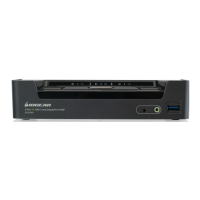
a. Manual – involves pressing the port selection pushbuttons
located on the GCS1942/GCS1944 front panel.
b. Hotkey – involves entering combinations from the keyboard (list
of complete Hotkey Settings is available in the manual, located on
our website).
c. Mouse – involves clicking the mouse wheel button twice to
switch between ports. Please make sure mouse and mouse
wheel button emulation is turned on. (list of complete Hotkey
Settings is available in the manual, located on our website)
For a list of complete Hotkey Settings, please visit our website for
updated manuals:
www.iogear.com/product/GCS1942
www.iogear.com/product/GCS1944
5



 To Next Page