11
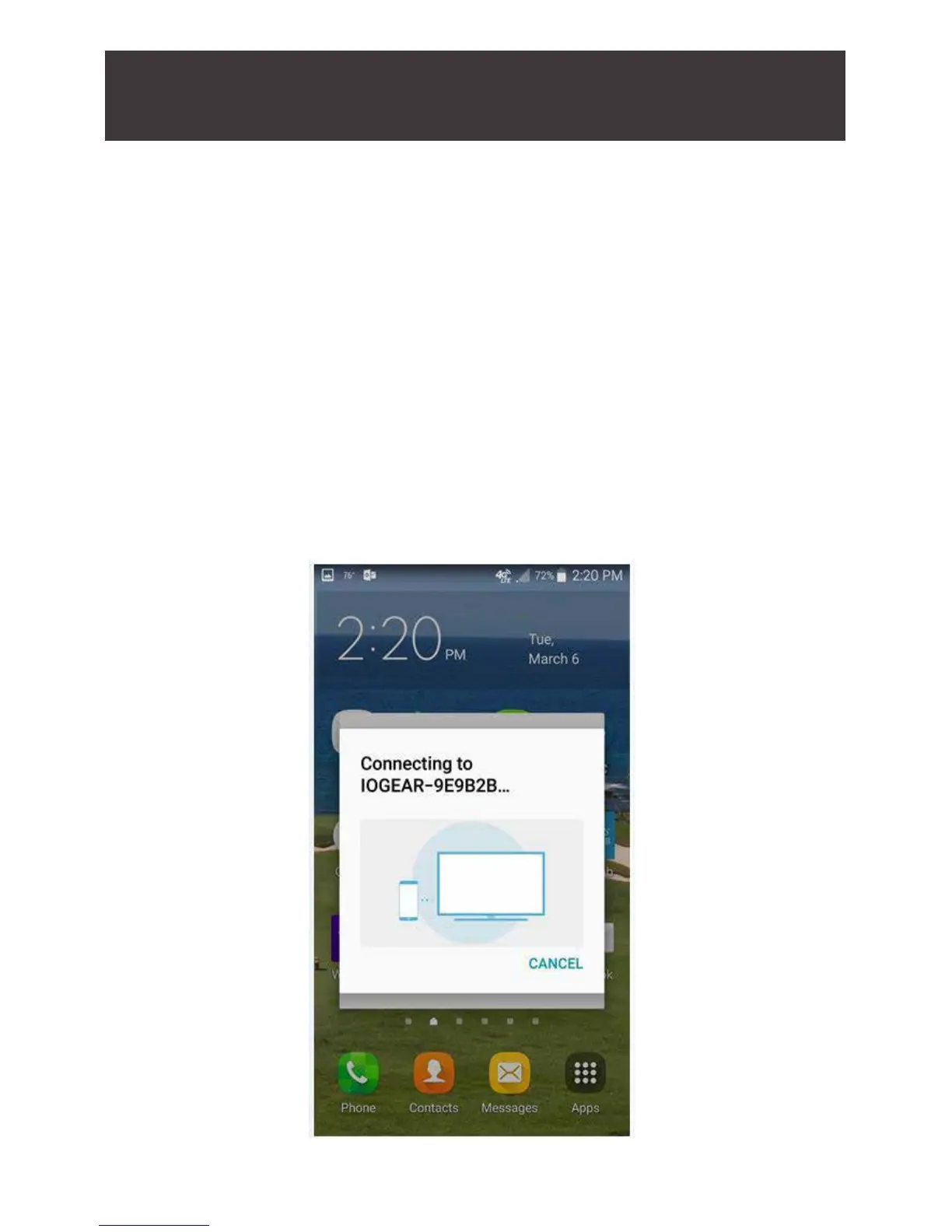
3. After you initiate the connection, wait a few seconds for your
device to establish the connection with the wireless receiver.
When a black screen displays on both the TV and your device,
the connection has been established. The technical term for this
is “sync”, and the two devices have now synced with each other.
After a connection is established you should be able to see a
mirror image of your device on the big screen TV; whatever you
do on your mobile device will be duplicated on the big screen
from this point and on.
To disconnect from the TV, you can either turn off your device or
disconnect from the Display options screen.



 To Next Page