13
If you don’t see any of the aforementioned options, then you need
to use the wireless USB adapter to establish a connection. (Go to
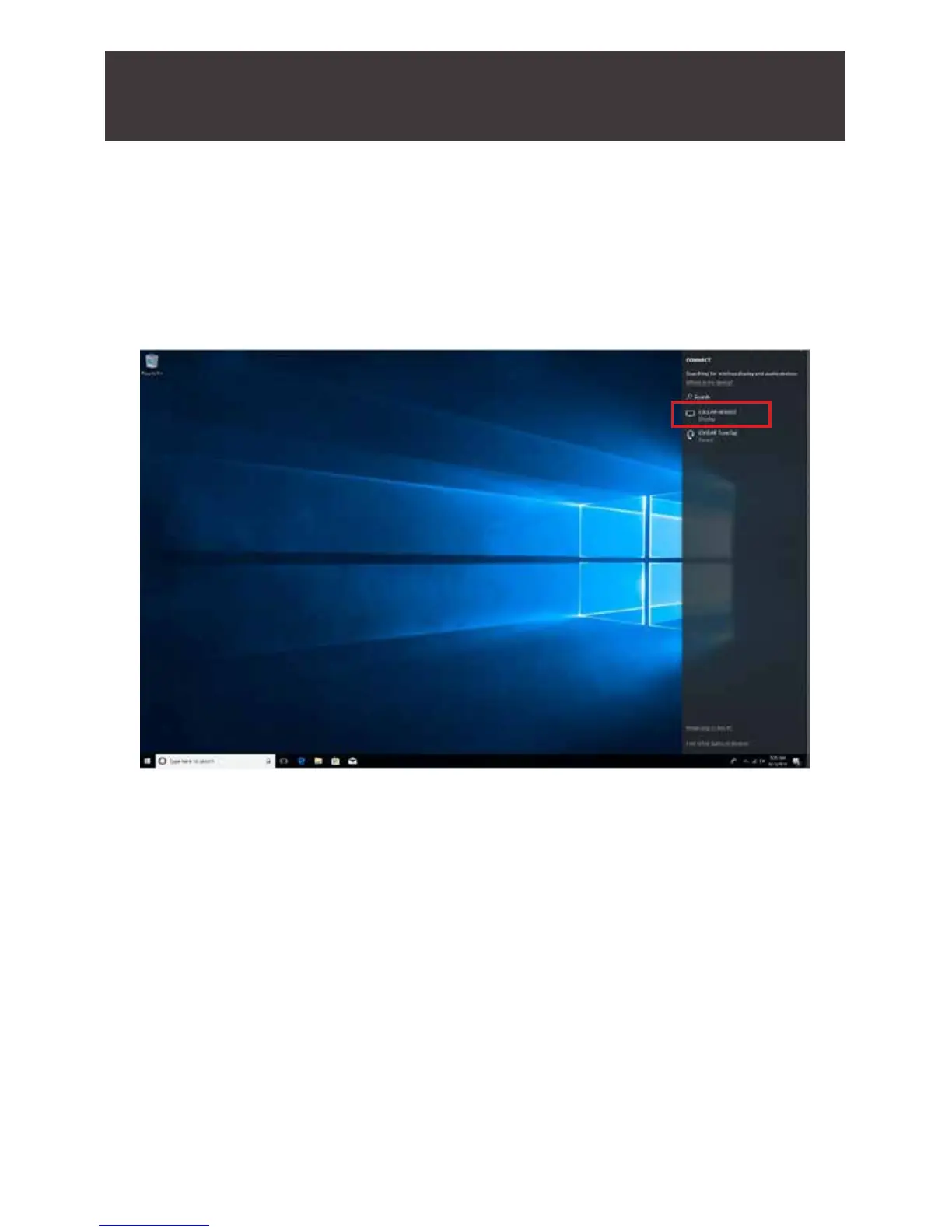
page 17 to see detailed steps). If you see the above screen, click on
“Connect to a wireless display”. Windows
®
will now search for the
GWSSKIT, the name will be IOGEAR-xxxx.



 To Next Page