21
6. One more step to do if you want to stream online entertainment
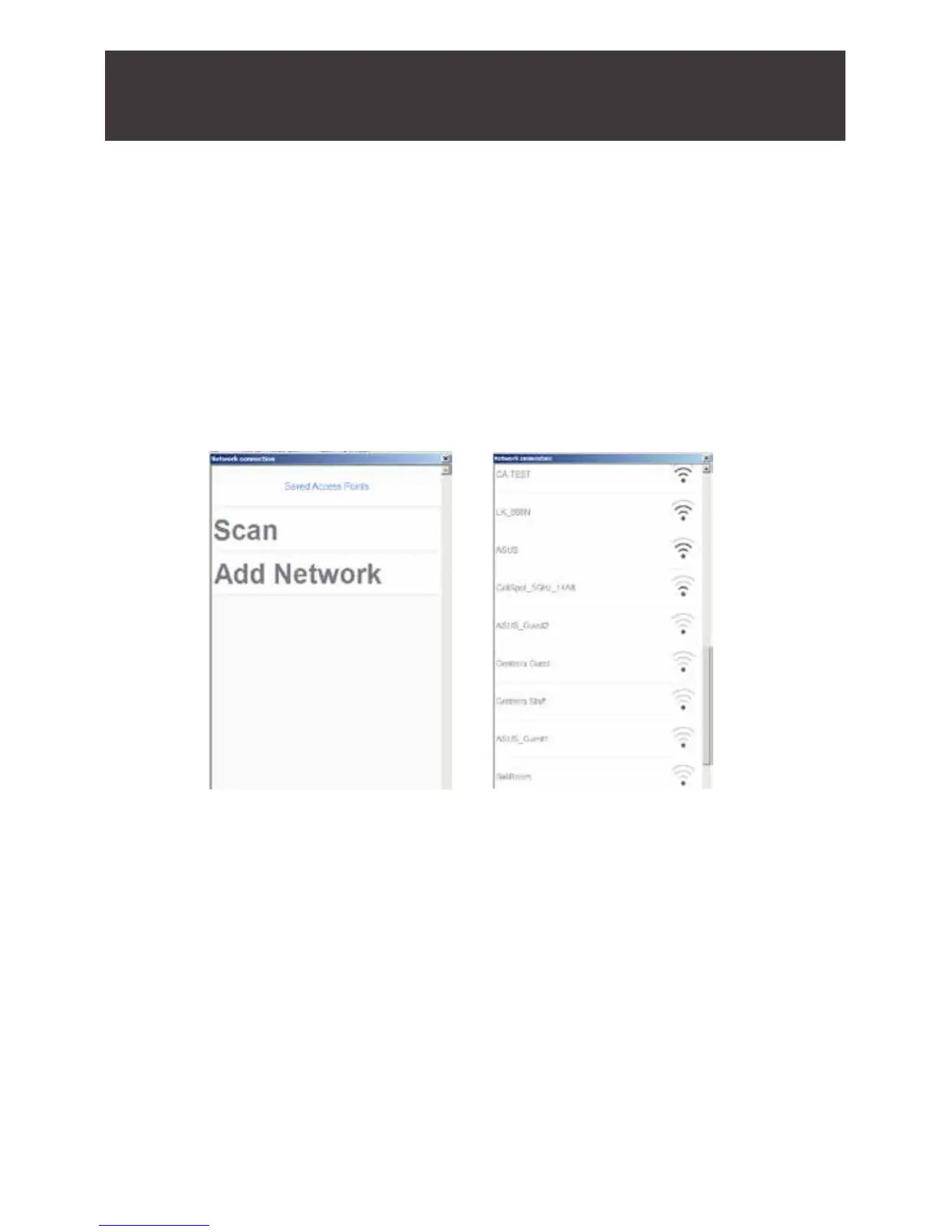
content to your big screen TV. Click on the green “Network
connection” button on the above screen and click on “SCAN” to
connect your computer back to your home wi router to access
online contents. You shall see a pop up screen below to list
the nearby wi routers, choose the one you want to connect to.
You only need to do this the rst time you install the Duplicast
application.



 To Next Page