8
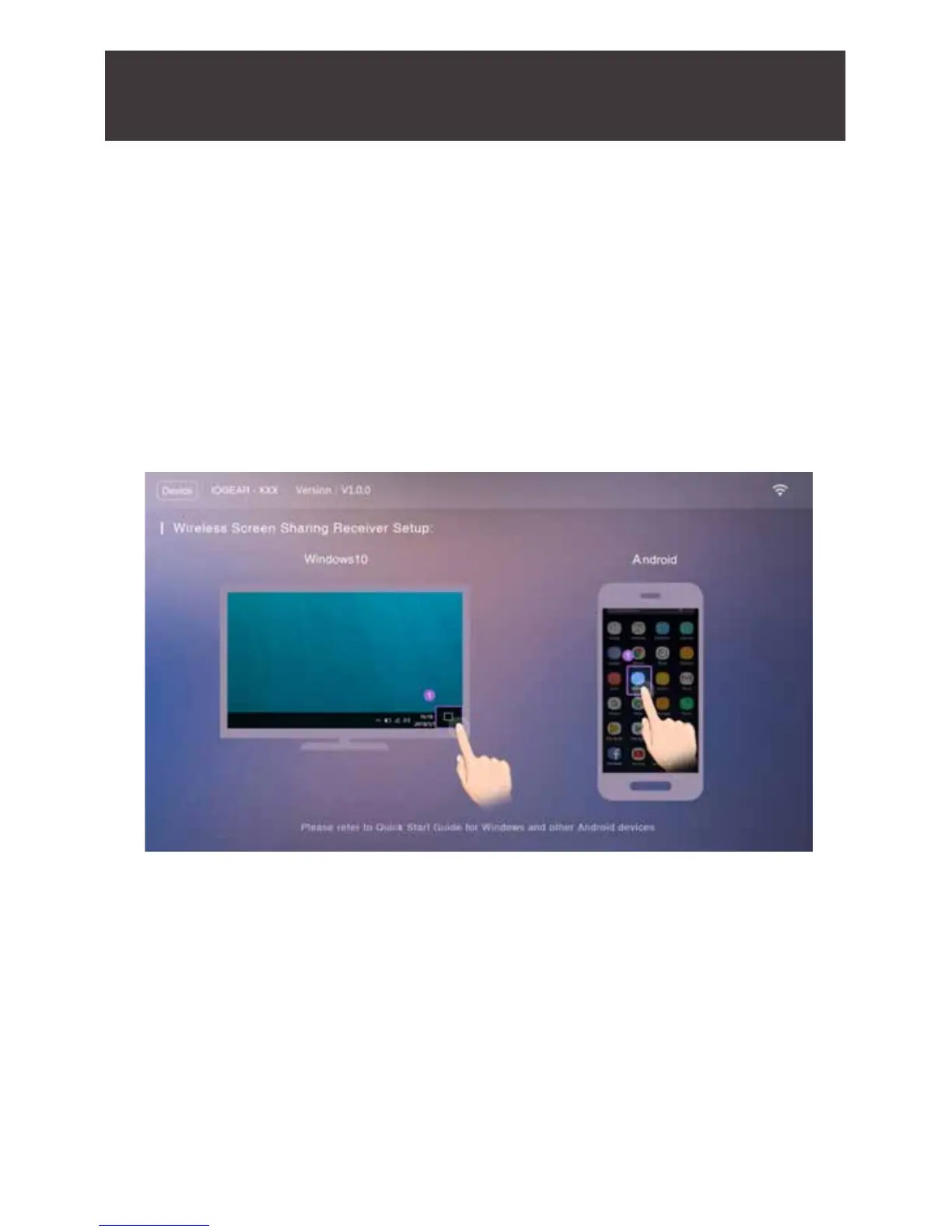
6. Turn on your TV or projector, and make sure you select the correct
video input that you connect your GWSSKIT receiver to. The
IOGEAR Duplicast ash screen will come up on the display and on
the top left of the screen will be the device name IOGEAR-xxx.
If you have Windows
®
7 or 8, please skip to page 17



 To Next Page