Look for "1394," the FireWire logo, or the Sony i.Link logo, which usually identifies the FireWire
connection. If you need help finding the FireWire connection on your computer, refer to the User's
Manual for your computer or FireWire adapter card.
For the best performance, connect the Peerless FireWire cable directly to your computer. You can use
either FireWire port. The drive system can be connected while the computer is on. See the FireWire
Guidelines for important information.
| top of page |
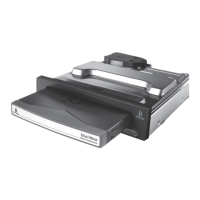
4. Connect the 6-pin end of the FireWire cable to the back of your Peerless interface module.










 To Next Page