3. Choose the type of drive you purchased to continue:
l
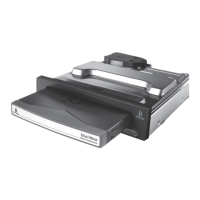
I purchased a USB Peerless drive system.
l
I purchased a FireWire Peerless drive system.
Connecting Your USB Peerless Drive System
Follow the steps below to connect the USB Peerless Drive System to your computer.
1. If you have not already installed the IomegaWare software, install it now
and shut down your computer.
(Even though the Peerless drive system is plug-and-play, shutting down your computer the first time
you connect the drive system makes it easier for the computer to recognize the drive when you restart.)
2. Connect the Peerless USB cable to the USB port on your computer.










 To Next Page