Look for "USB" or the USB symbol* (shown above), which usually identifies the USB connection.
If you cannot locate the USB connection on your computer, refer to the documentation for your
computer.
For the best performance,
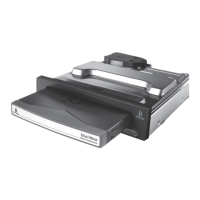
connect the Peerless drive system to a built-in USB port on the computer.
USB ports usually come in pairs (sometimes four or more ports may be located together). You can use
any built-in USB port.
| top of page |
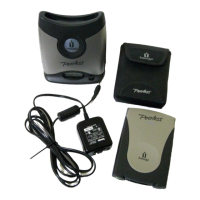
3. Connect the other end of the Peerless USB cable to the Peerless interface module.










 To Next Page