EN-15
Notes:
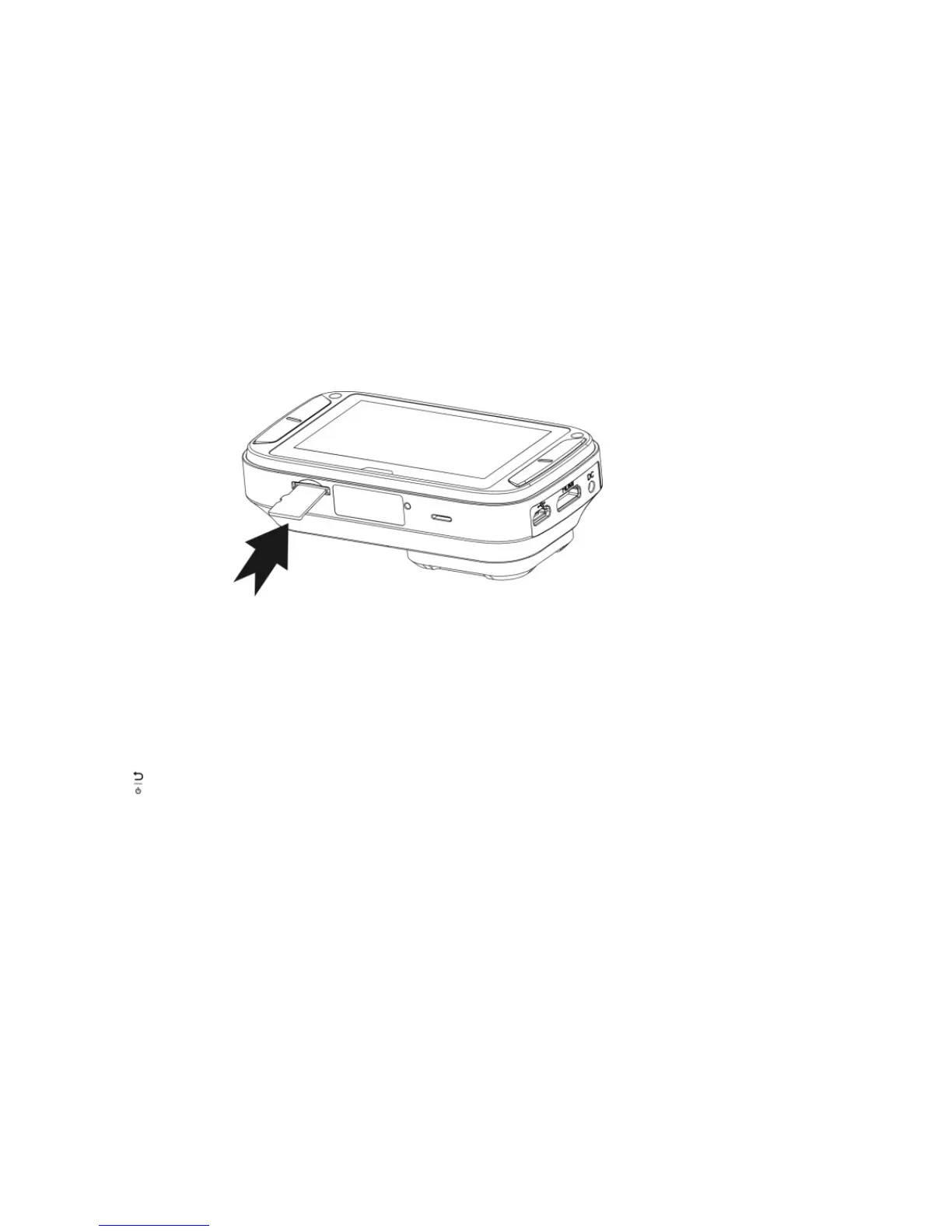
1. The correct direction should be followed to insert the MicroSD card into the slot.
2. A new MicroSD card should be formatted before using. For more information, refer to section 7.6.
7.2 Turning on/off the DashCam
The DashCam will detect car ignition vibration and automatically turn on and start Normal Loop Recording.. Or, pressing
and hold to turn on the DashCam if a power source is absent.
If the DashCam is turned on for the first time, you will need to set up Date & Time/Language first.


 To Next Page