EN-16
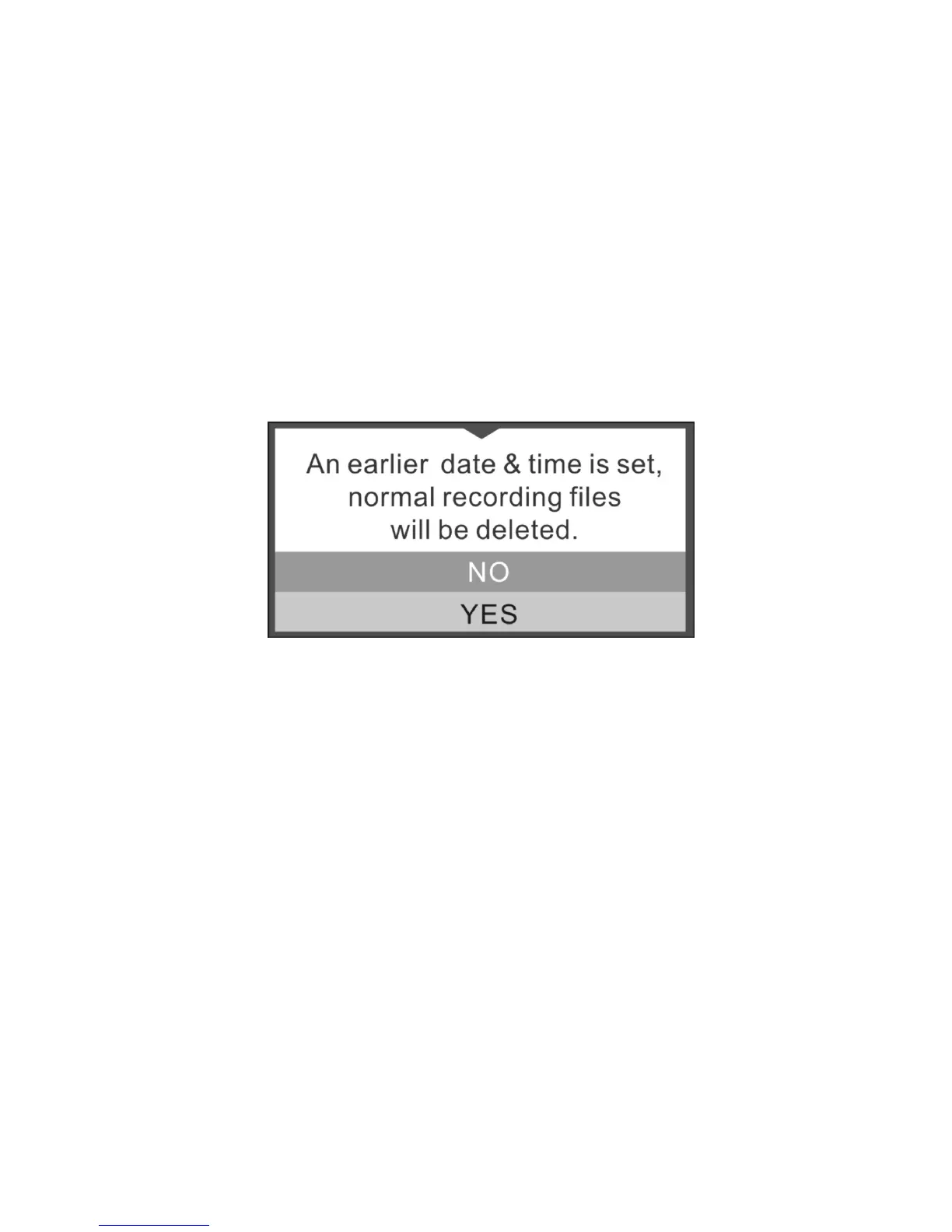
In Date & Time setup, if you have set an earlier Date & Time, the below message pops up:
Select “Yes”, all normal recording files will be deleted. Select “No” to keep these files.
7.3 Video Recording and Photo Taking
Normal Loop Recording
The DashCam will start Normal Loop Recording once turned on. Video recording is continuously creating successive files
of 3 / 5 / 10 min. The most outdated file will be replaced if the memory is full for continuous recording.
Event Protection Recording


 To Next Page