4
Quick Setup
1. Make sure all items listed under Introduction > Box Contents at the beginning of this
guide are included in the box.
2. Read the Safety & Warranty Manual before using the product.
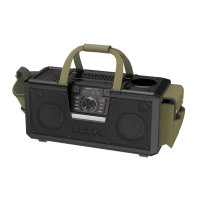
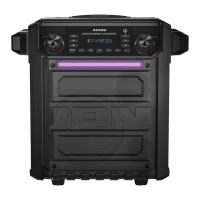
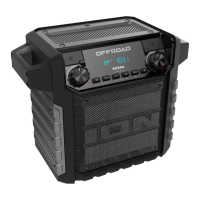
3. For optimal performance, place Offroad in the center of the room so it is unobstructed by
walls, furniture, etc.
4. Turn down the Master Volume on the Offroad.
5. Turn on Offroad.
6. Connect your music player with an audio cable or Bluetooth. (see Operation >
Connecting with a Bluetooth Device for more details on this)
7. Adjust the volume on your music player and on Offroad as needed.
8. Turn off Offroad when not in use.
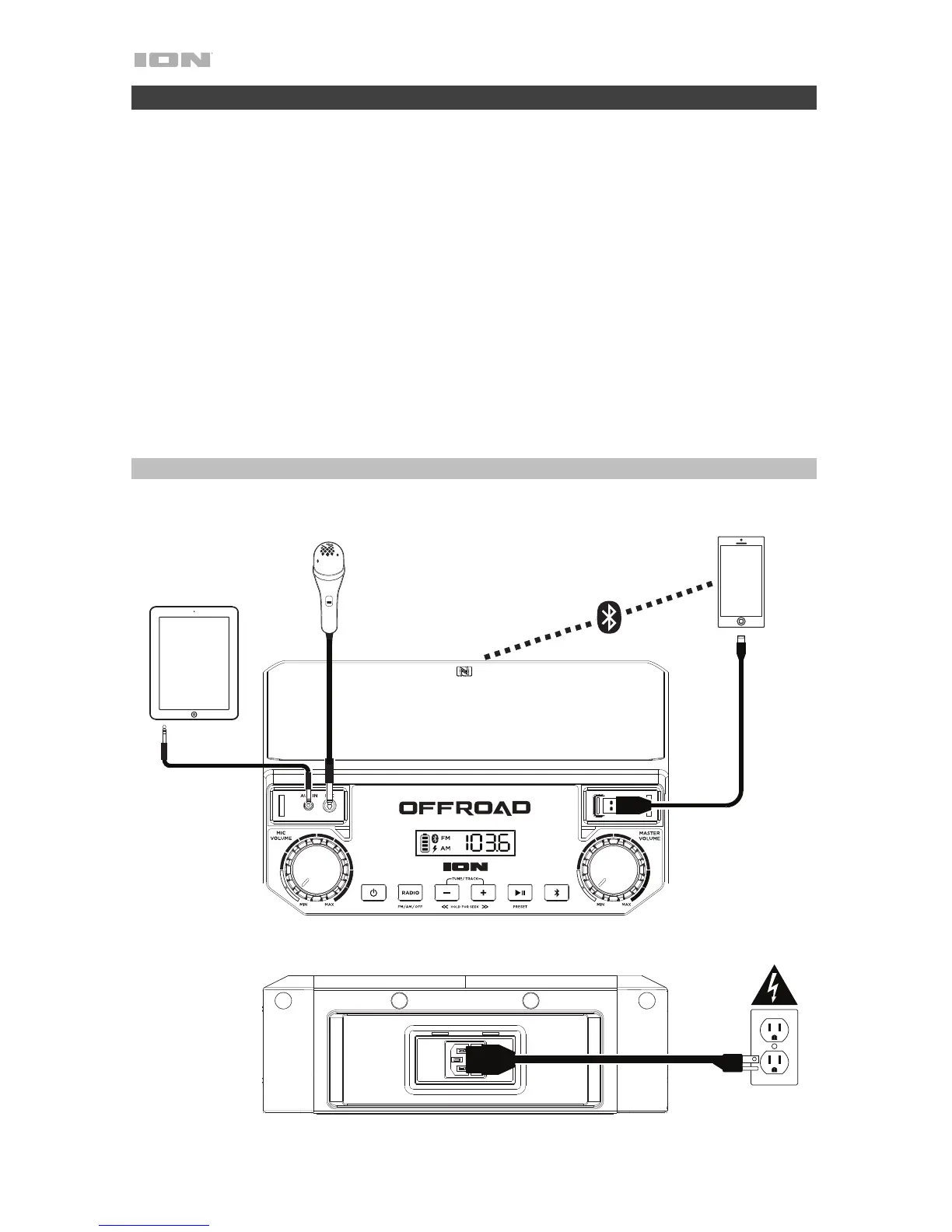
Connection Diagram
Items not listed under Introduction > Box Contents are sold separately.
Microphone
Bluetooth
Device
Tablet, MP3
player, etc.
Power
Front Panel
Rear Panel


 To Next Page