22
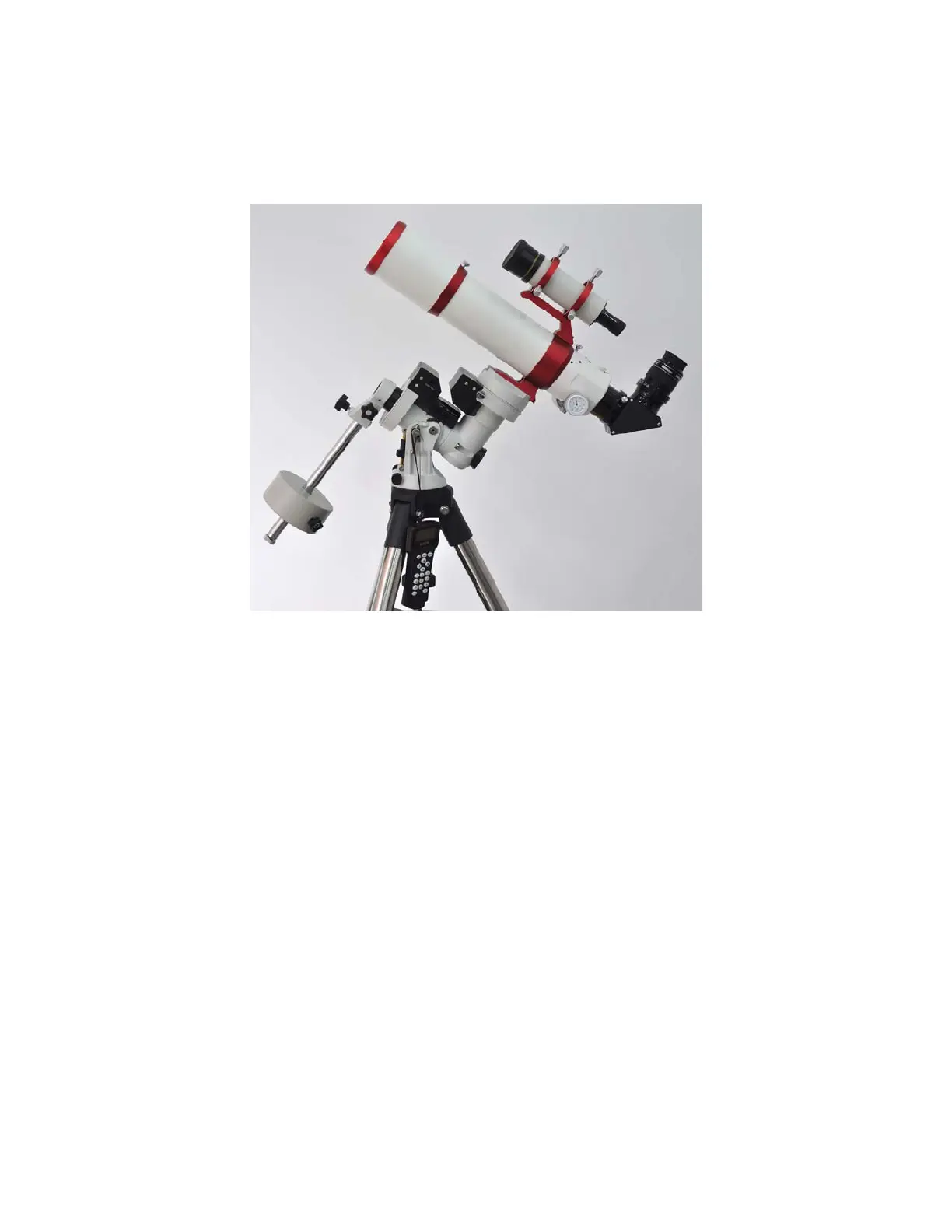
You need to set the Zero Position when the mount is used first time, or firmware upgrade is
performed. To set the mount to Zero Position, press MENU=>”Zero Position”=>”Set Zero Position”.
Release the Gear Switch to manually return the mount to Zero Position, or use the hand controller to slew
the mount to Zero Position. Press ENTER to confirm the zero position.
Check the Zero Position by using MENU=>”Zero Position”=>”Goto Zero Position” before each
session.
Figure 21. Zero position



 To Next Page