PA 3 Owner Manual 8
Basic Operation
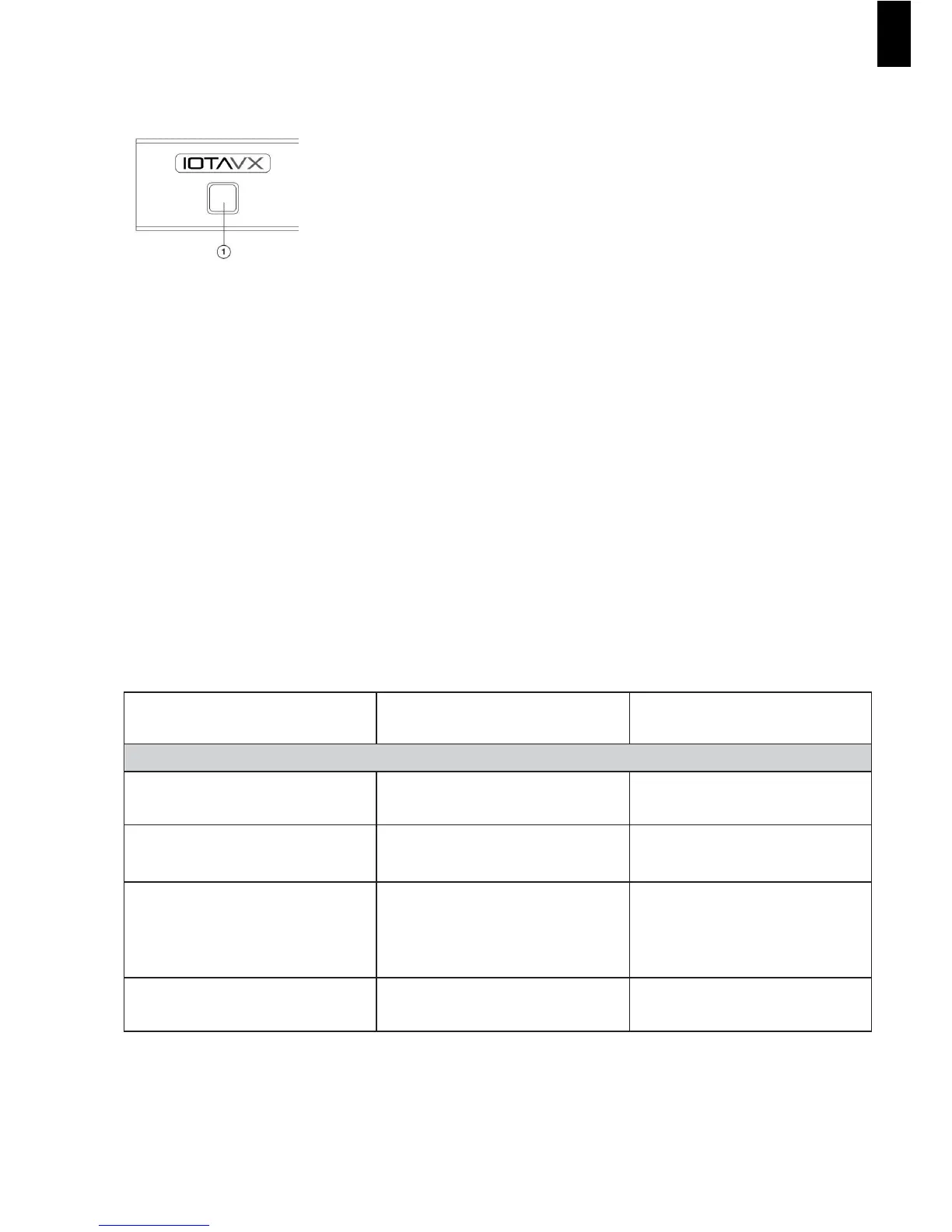
Turning on the unit:
1. Press ON/STANDBY to turn on the power amplier.
The power amplier comes on, and the Power LED will illuminate white.
2. Press the ON/STANDBY button again to set the power amplier to Standby.
The power amplier will enter Standby mode, and the Power LED will illuminate red.
Troubleshooting
To determine any problem with your power amplifier, always check the most obvious possible causes rst. If any
problems remain after you have checked the items below, please consult your nearest Authorized Dealer or
Authorized IOTAVX Service Center.
If you experience any of the following difculties while using the system, use this troubleshooting guide to help
remedy the problem before requesting servicing. Should any problems persist, consult your nearest authorized
dealer or authorized Service Agent.
If the unit does not operate normally due to external influence such as static electricity, disconnect the power
plug from the wall outlet and insert again to return to normal operating conditions.
PROBLEM POSSIBLE CAUSE REMEDY
Main Amplifier:
When listening to the music in stereo.
Left/right speakers reversed.
Speakers are connected incorrectly. Check, and reconnect as required.
Sound is only heard from one
channel.
One of the input cords is
disconnected.
Connect the input leads.
Sound cuts off when listening or no
sound even though power is ON.
Speaker impedance is lower than
recommended for this unit,
therefore overloading the Amplier.
After turning off the power and
then turning it on again, reduce
the volume or change to the
correct 8-ohm speakers.
Low bass response. Speaker polarity (+/-) is reversed.
Check all speakers and speaker
wires for correct polarity.
EN



 To Next Page