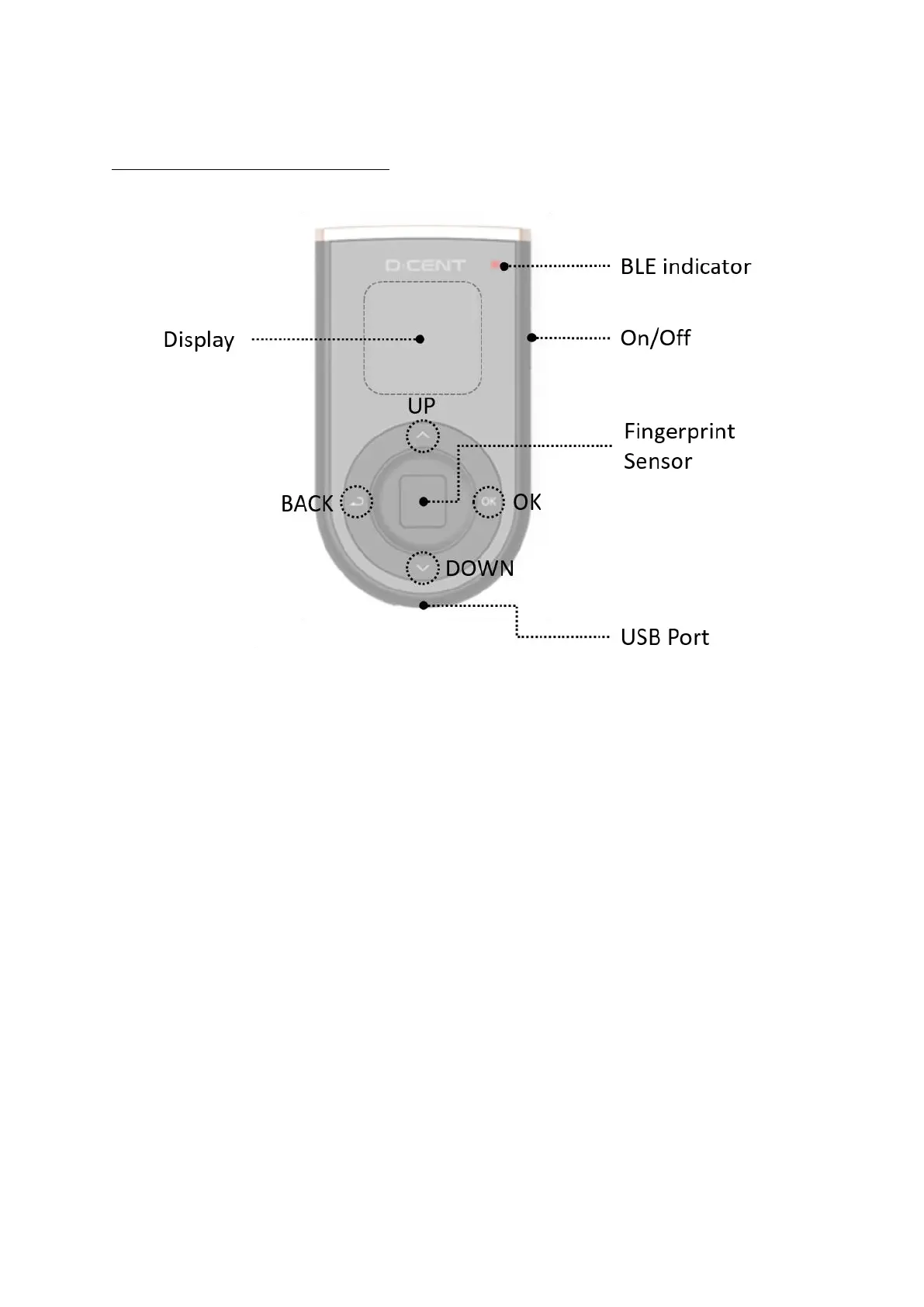
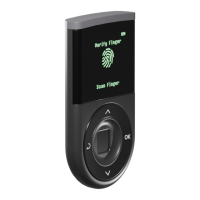
D’CENT Buttons Layout
Button operations
Change input value
UP Button: to change (increase) input value of numbers or alphabets. (ie: 1 2, a b)
DOWN Button: to change (decrease) input value of numbers or alphabets. (ie: 1 0, a z)
Move between selectable items
(UP/DOWN) Button: to move between selectable items shown on display.
(ie: UP move up, DOWN move down)
OK / BACK
OK Button – to confirm selected item or input value.
BACK Button – to move to previous menu or to cancel input of current position and move to
previous position.


 To Next Page