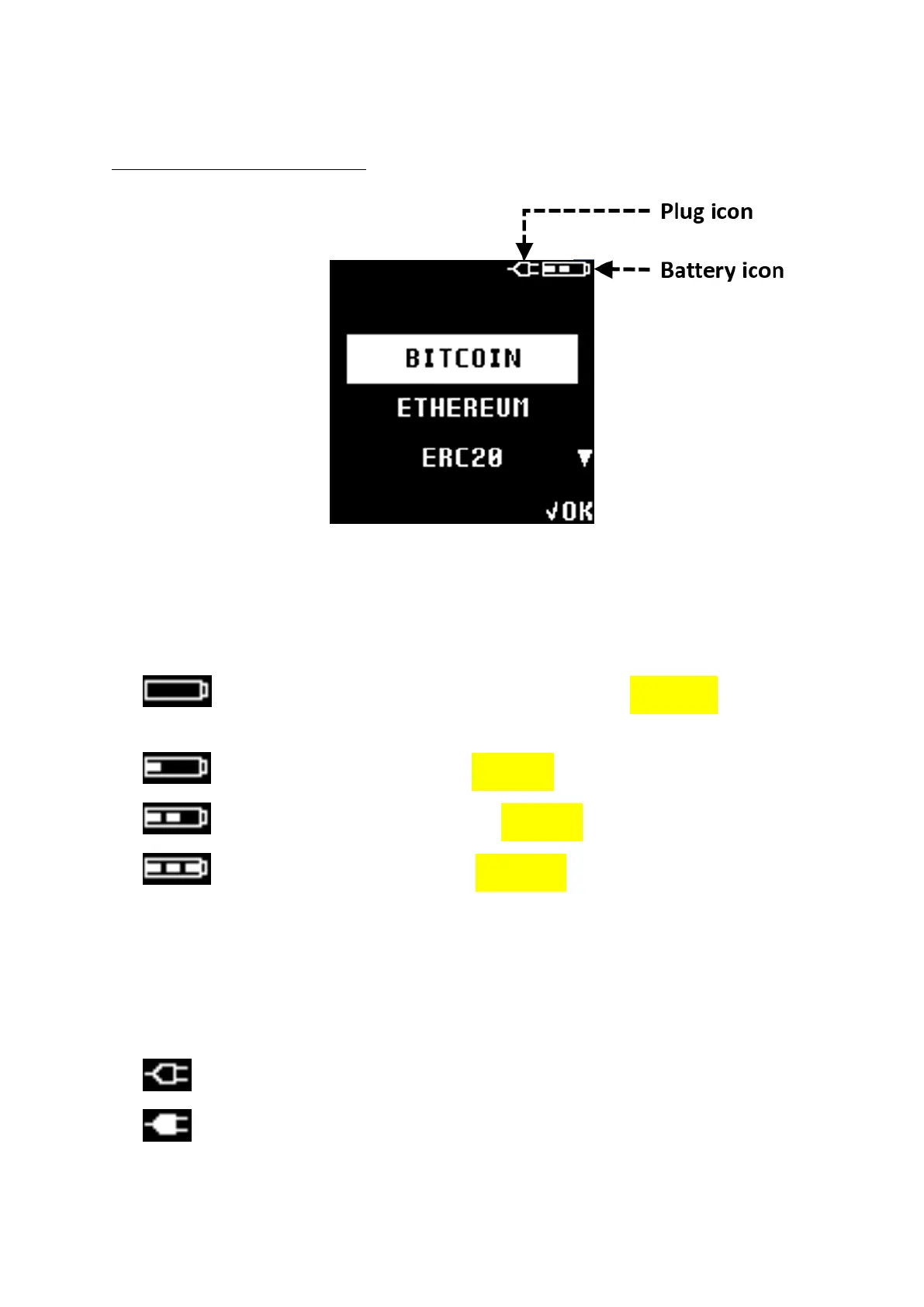
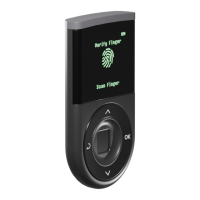
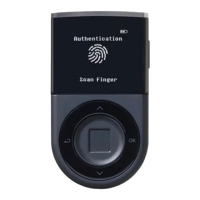
D’CENT Display Icons
Battery States:
NOTE: Battery icon shown on the display indicates the following states:
EMPTY – Blinking Battery icon indicates very low battery (below 15%) and requires
charging
LOW - Battery is available between 15% ~ 30%
MEDIUM - Battery is available between 31% ~ 70%
HIGH - Battery is available between 71% ~ 100%
USB Plugged:
NOTE: When using USB cable, a Plug icon may appear next to the battery icon. Following describes
the charging states:
Battery is being charged.
Battery is fully charged.


 To Next Page