Getting Started
For
optimal
mounting
and
charging,
please
follow
the
detailed
instructions
within
this
manual
when
using
the
Easy
One
Touch
Wireless
2
Charging
Mount.
iOttie
is
not
liable
for
possible
damages
due
to
product
misuse.
Critical Information
o Compatibility
Google,
Apple
& Samsung Wireless Fast Charge Compatible.
The
Easy
One
Touch Wireless 2 delivers wireless fast charging
to
all Qi
enabled
smart
phones
(Qi
speed
dependent
on
phone
make and
model)
o
Qi
Wireless Charging
in
Vehicle
Use
the
included
iOttie Car
Charger
and Micro USB Cable. If you
do
use a third party car charger, use a Qualcomm
Quick
Charge 2.0
or
equivalent
adapter
to
receive a wireless charge (with
compatible
devices).
O The Easy
One
Touch Wireless 2 Charging mount's signal could
possibly interfere with
your
TPMS (tire pressure monitoring system).
If you notice
that
your
TPMS light turns on, please try
to
use
your
mount
in
different
locations
to
avoid
the
signals from interacting.
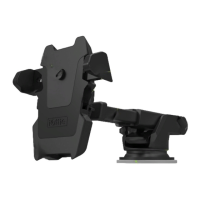
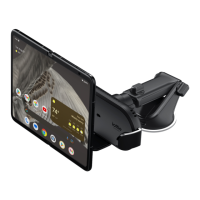
0 Telescopic Arm extends from 5 inches to 7 inches.
0
To
reuse Suction
Cup,
simply rinse under warm water and let air
dry to restore tacky suction.
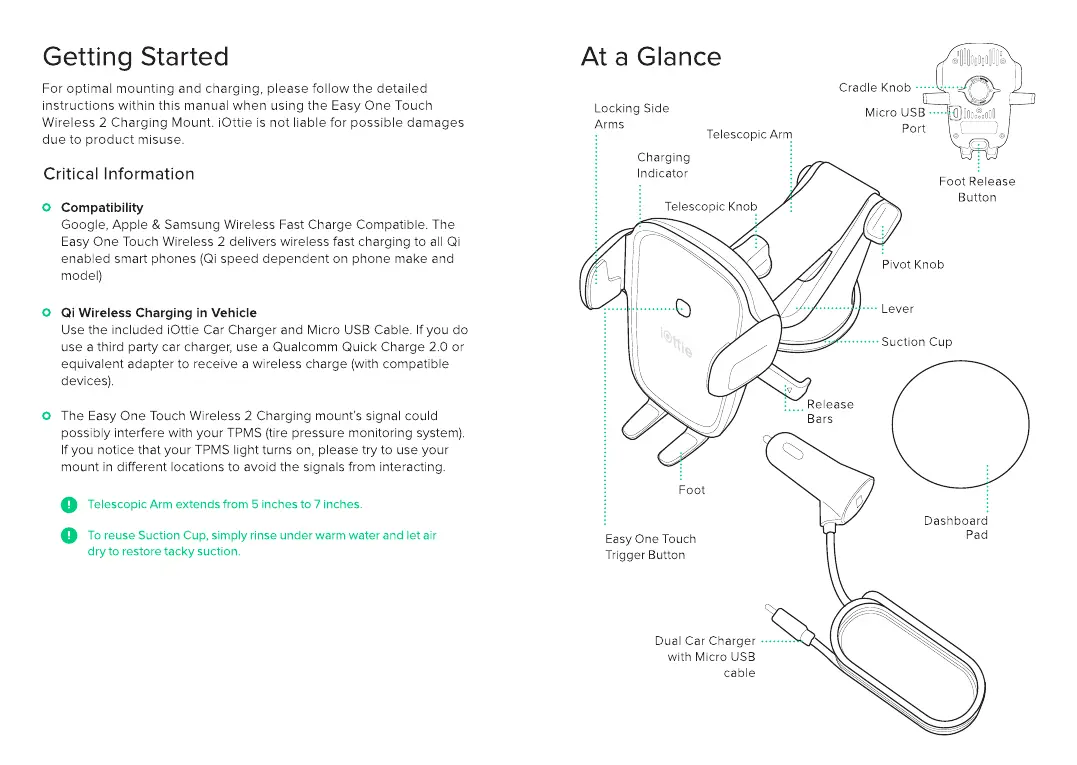
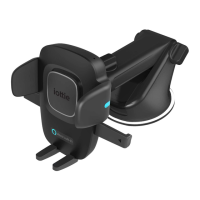
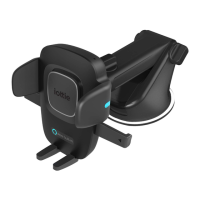
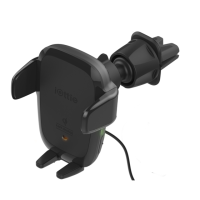
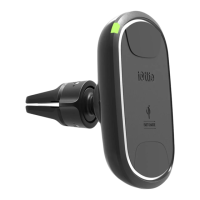
At a Glance
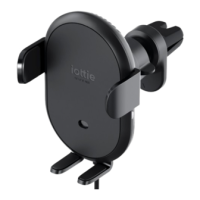
Locking Side
Arms
Telescopic Ar7
',,,
Charging
Indicator
Foot
asy One Touch
Trigger Button
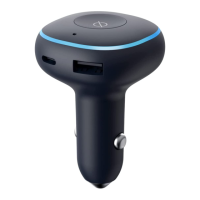
Dual Car Charger ·········
with Micro
USB
cable
Foot Release
Button
Dashboard
Pad


 To Next Page