Qi Alignment Guide
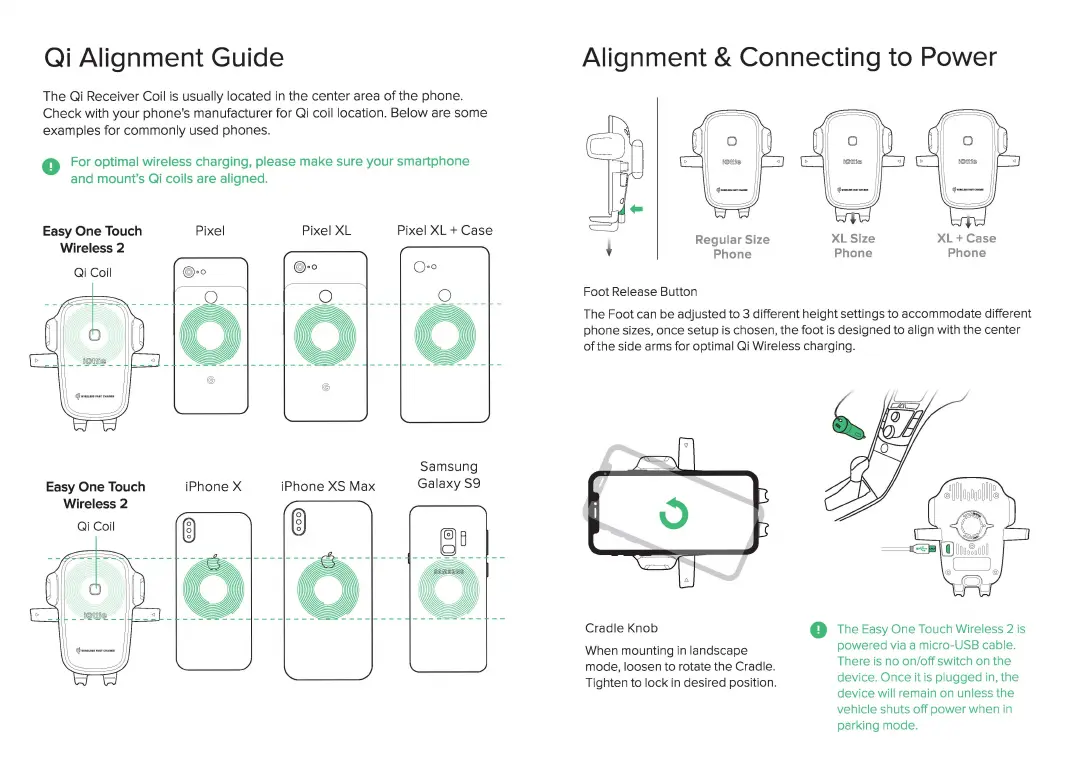
The Qi Receiver Coil is usually located
in
the
center
area
of
the
phone.
Check
with
your
phone's manufacturer for Qi coil location.
Below
are
some
examples
for
commonly
used phones.
0 For optimal wireless charging,
please
make
sure
your
smartphone
and mount's Qi coils are aligned.
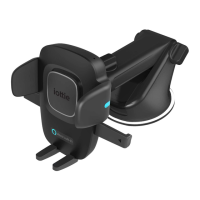
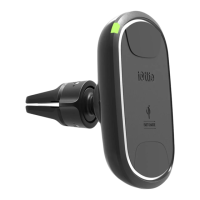
Easy
One
Touch
Wireless 2
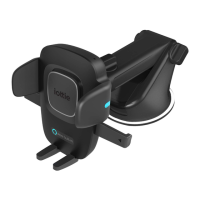
Easy
One
Touch
Wireless 2
Qi
Coil
Pixel
iPhone
X
Pixel
XL
iPhone
XS
Max
00
Pixel
XL+
Case
Samsung
Galaxy
S9
Alignment & Connecting to Power
Regular Size
Phone
Foot Release Button
XL
Size
Phone
XL+
Case
Phone
The Foot
can
be adjusted to 3 different height settings to accommodate different
phone sizes, once setup
is
chosen, the foot is designed to align with the center
of the side
arms
for optimal
Qi
Wireless charging.
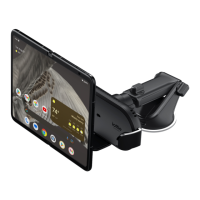
Cradle Knob
When mounting in landscape
mode, loosen to rotate the Cradle.
Tighten to lock
in
desired position.
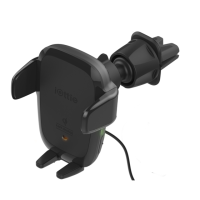
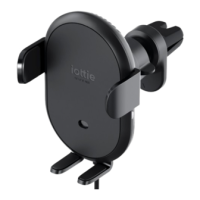
0 The
Easy
One Touch Wireless 2
is
powered
via
a micro-USB cable.
There
is
no on/
off
switch
on
the
devi
ce.
Once it
is
plugged
in
, the
dev
i
ce
wi
ll
remain on unless the
vehicle shuts
off
power when
in
parking mode.


 To Next Page