EasyManua.ls Logo

iOttie Easy One Touch Wireless 2 - Using the Easy One Touch Mechanism; Mounting and Releasing; Wireless Charger Specifications; Car Charger Specifications

iOttie Easy One Touch Wireless 2
8 pages
Print Icon
To Next Page IconTo Next Page
To Previous Page IconTo Previous Page
Loading...
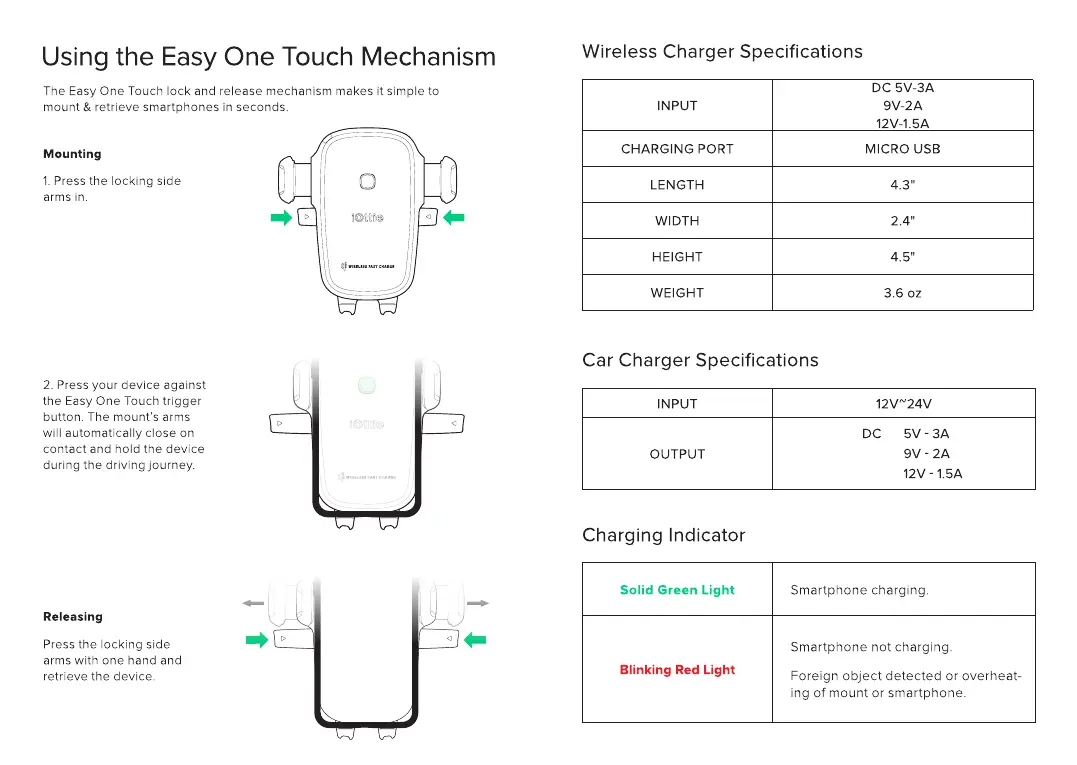
Using the Easy
One
Touch Mechanism
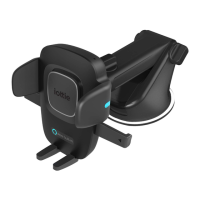
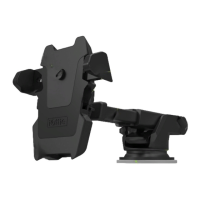
The Easy One Touch
lock
and release mechanism makes it simple
to
mount & retrieve smartphones
in
seconds.
Mounting
1.
Press
the
locking side
arms
in.
2.
Press
your
device
against
the Easy One Touch
trigger
button. The mount's arms
will automatically
close
on
contact
and
hold
the
device
during
the
driving journey.
Releasing
Press the locking side
arms with
one
hand and
retrieve the device.
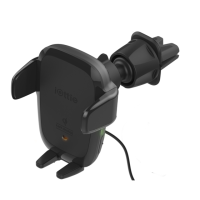
Wireless Charger Specifications
DC
5V-3A
INPUT
9V-2A
12V-1.5A
CHARGING
PORT
MICROUSB
LENGTH 4.3"
WIDTH
2.4"
HEIGHT
4.5"
WEIGHT
3.6
oz
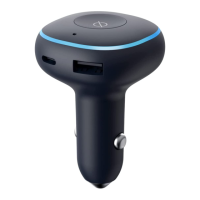
Car Charger Specifications
INPUT
12VN24V
DC
5V-3A
OUTPUT
9V-2A
12V-1.5A
Charging Indicator
Solid
Green
Light
Smartphone
charging.
Smartphone
not
charging.
Blinking Red Light
Foreign
object
detected
or
overheat-
ing
of
mount
or
smartphone.

Related product manuals