21/37
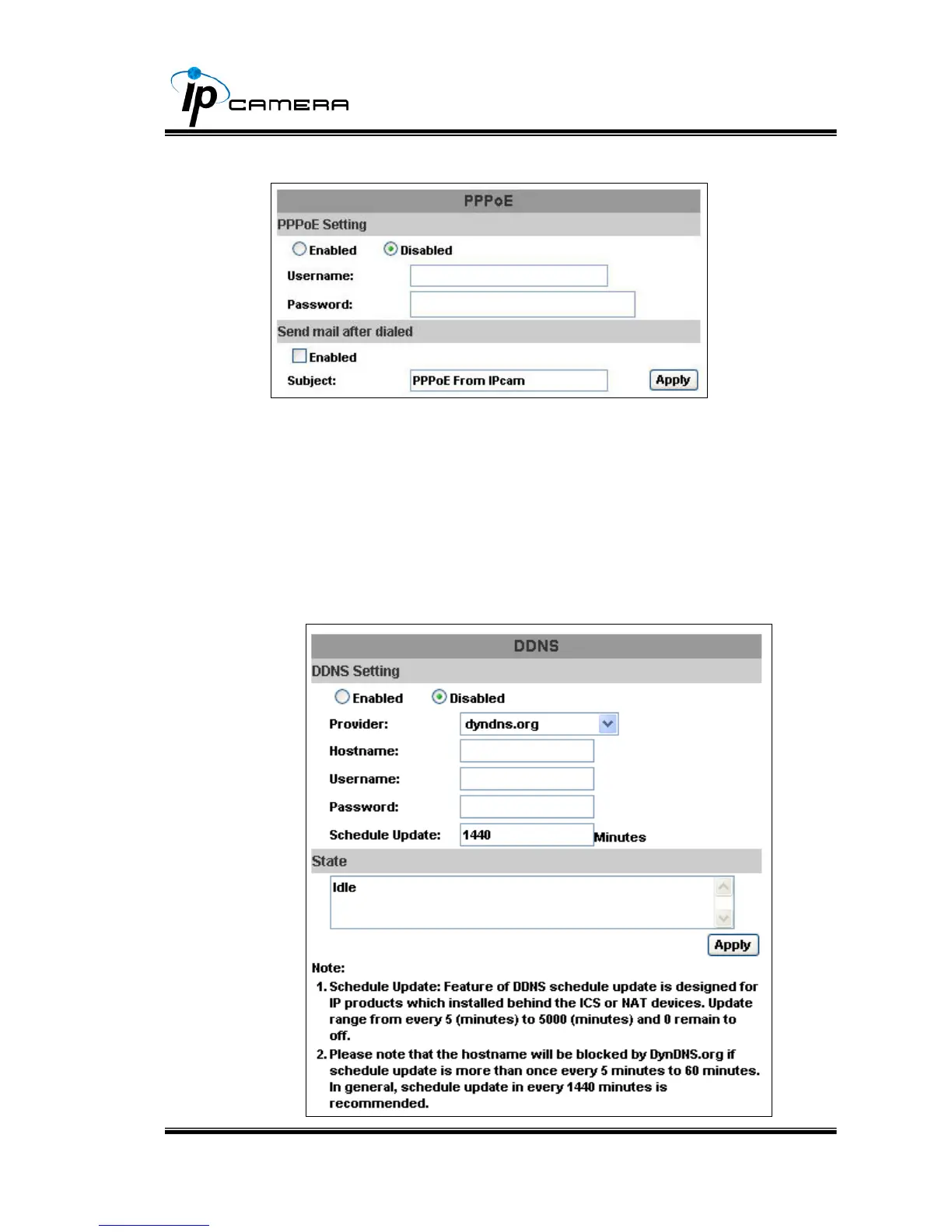
ii、 PPPoE:
Select “Enabled” to use PPPoE.
Key-in Username and password for the ADSL connection.
Send mail after dialed:When connect to the internet, it will send a mail
to a specific mail account. For the mail setting, please refer to “Mail and
FTP” settings.
iii、 DDNS:
IP Camera supports DDNS (Dynamic DNS) service.
a. DynDNS:



 To Next Page