26/37
1. Resolution:
There are 4 resolutions to choose.
NTSC / PAL
D1 – 720×480 / 720×576
4CIF – 704×480 / 704×576
CIF – 352×240 / 352×288
QCIF – 176×120 / 176×144
2. Quality:
There are 5 levels to adjust:
Best/ High/ Standard/ Medium/ Low
The higher the quality is, the bigger the file size is. Also not
good for internet transmitting
3. Video Format:MPEG4 or JPEG
4. Video Orientation:Flip or Mirror
5. Access Name: RTSP output name
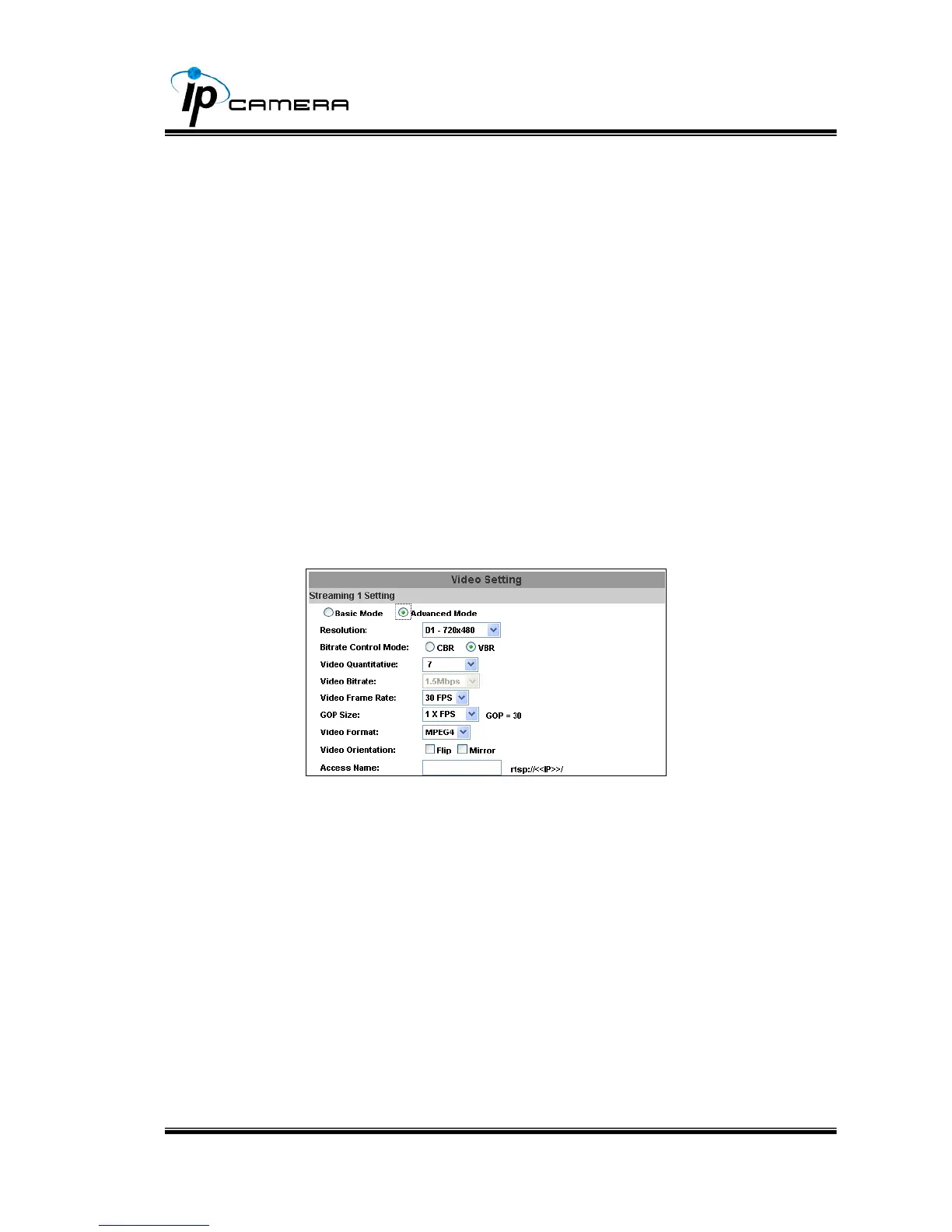
b. Streaming 1 Advanced Mode:
1. Resolution:
There are 4 resolutions to choose.
NTSC / PAL
D1 – 720×480 / 720×576
4CIF – 704×480 / 704×576
CIF – 352×240 / 352×288
QCIF – 176×120 / 176×144
2. Bitrate Control Mode
There are CBR﹝Constant Bit Rate﹞ and VBR﹝Variable Bit
Rate﹞to use.
CBR:64Kbps~4Mbps (the higher the CBR is, the better the
video quality is)
VBR:1~10 (Compression Rate)



 To Next Page