25/37
C. A/V Setting
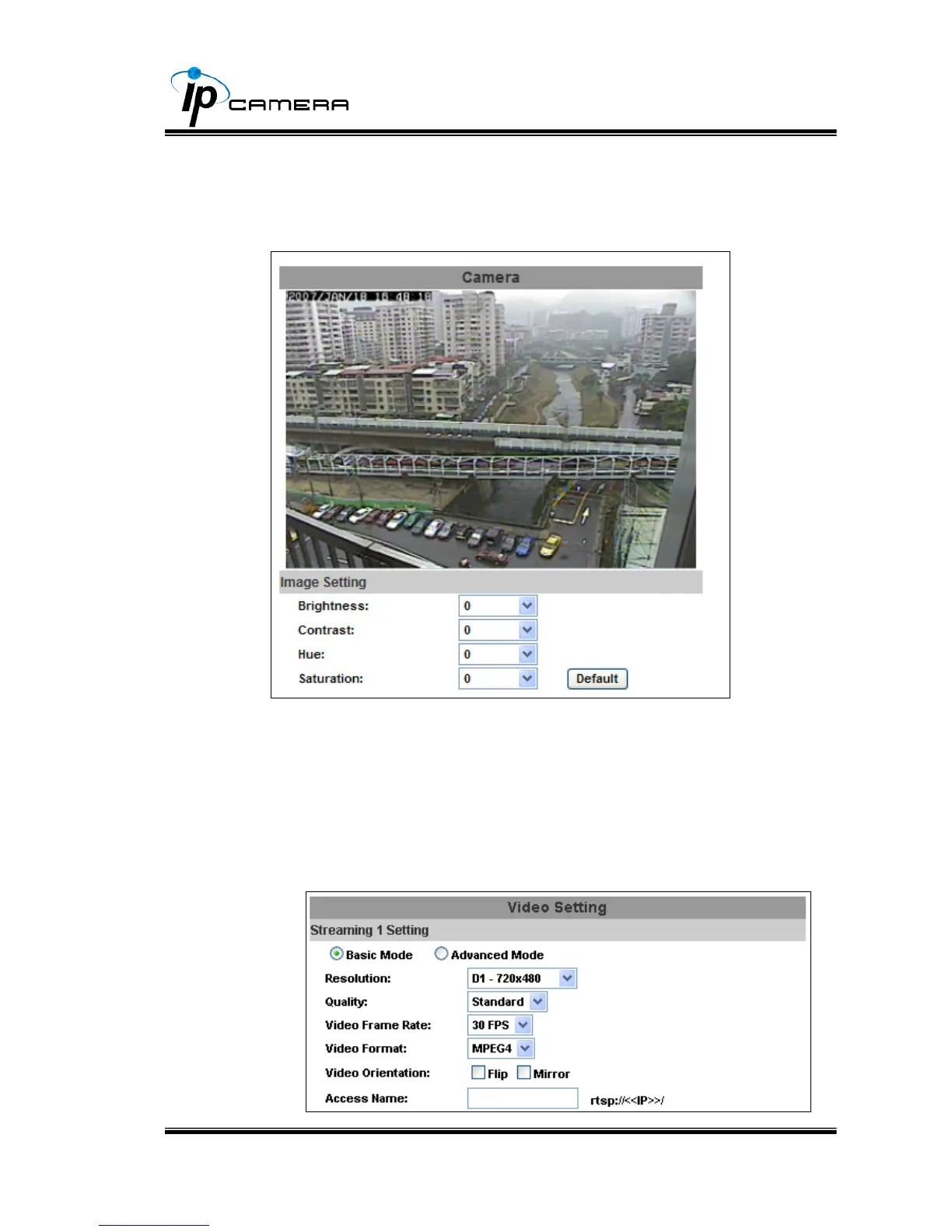
i. Image Setting
Adjust “Brightness”, “Contrast”, “Hue”, “Saturation” to get clear video.
ii. Video Setting
User may select 2 streaming output simultaneously:
Streaming 1 Setting: Basic mode and Advanced mode
Streaming 2 Setting: Basic mode, Advanced mode, and 3GPP mode
(Max Video Frame Rate for both streaming combined is 30 FPS)
a. Streaming 1 Basic Mode:



 To Next Page