33/37
iv. SD card
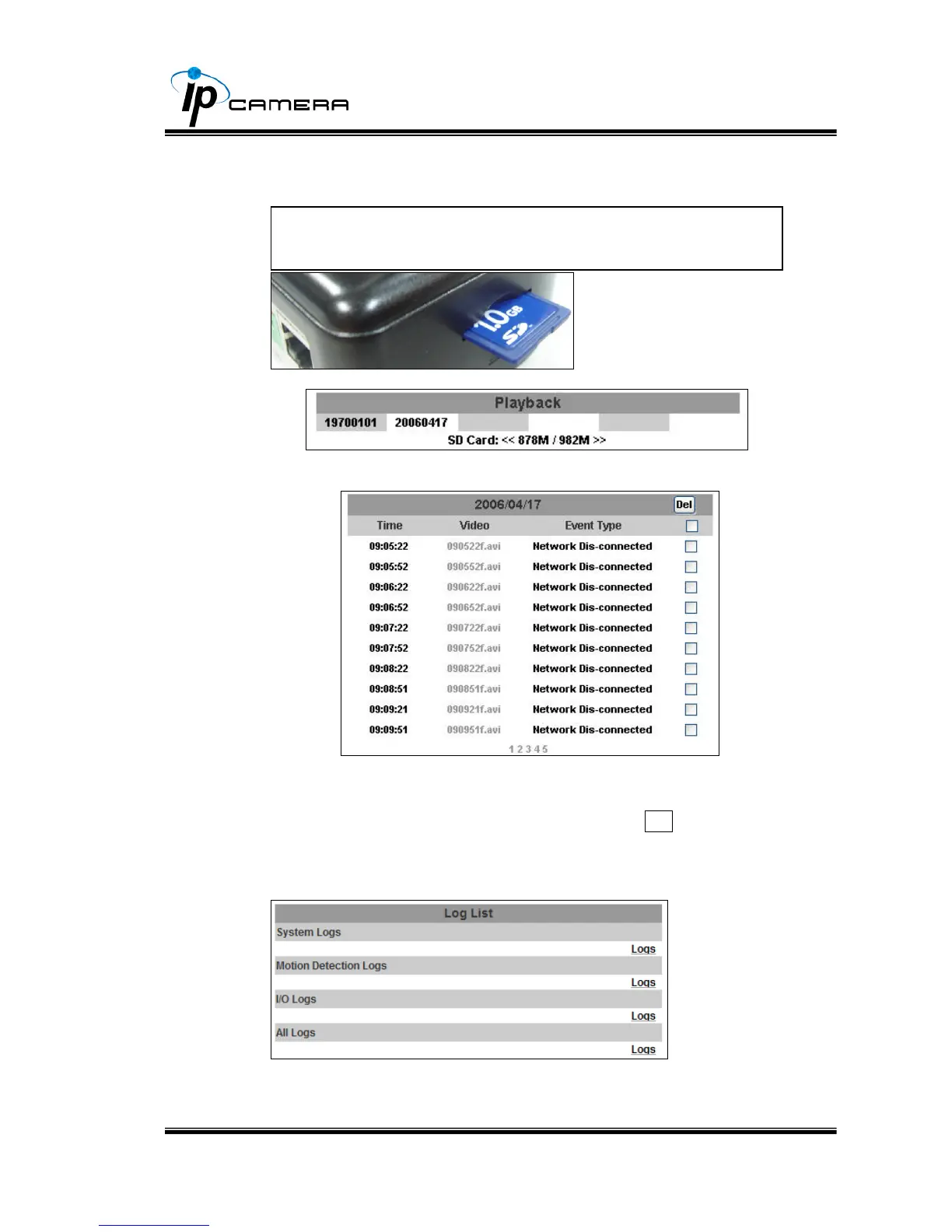
Please Insert SD card before use it. Make sure pushing SD card into the
slot completely.
a. Playback:
1. It will show the capacity of the SD card. Click the date listed on
this page. It will show the list of the video.
2. The video format is AVI. Click the video to start Microsoft Media
Player to play it.
3. To delete the video, check it, then click Del. When the SD card
is full, it will remove the oldest video automatically.
v. Log List
Sort by System Logs, Motion Detection Logs and I/O Logs. In addition,
System Logs and I/O Logs won’t lose data due to power failure.
Note:The use of the SD card will affect the operation of the IP
Camera slightly, such as affecting the frame rate of the video.



 To Next Page