10
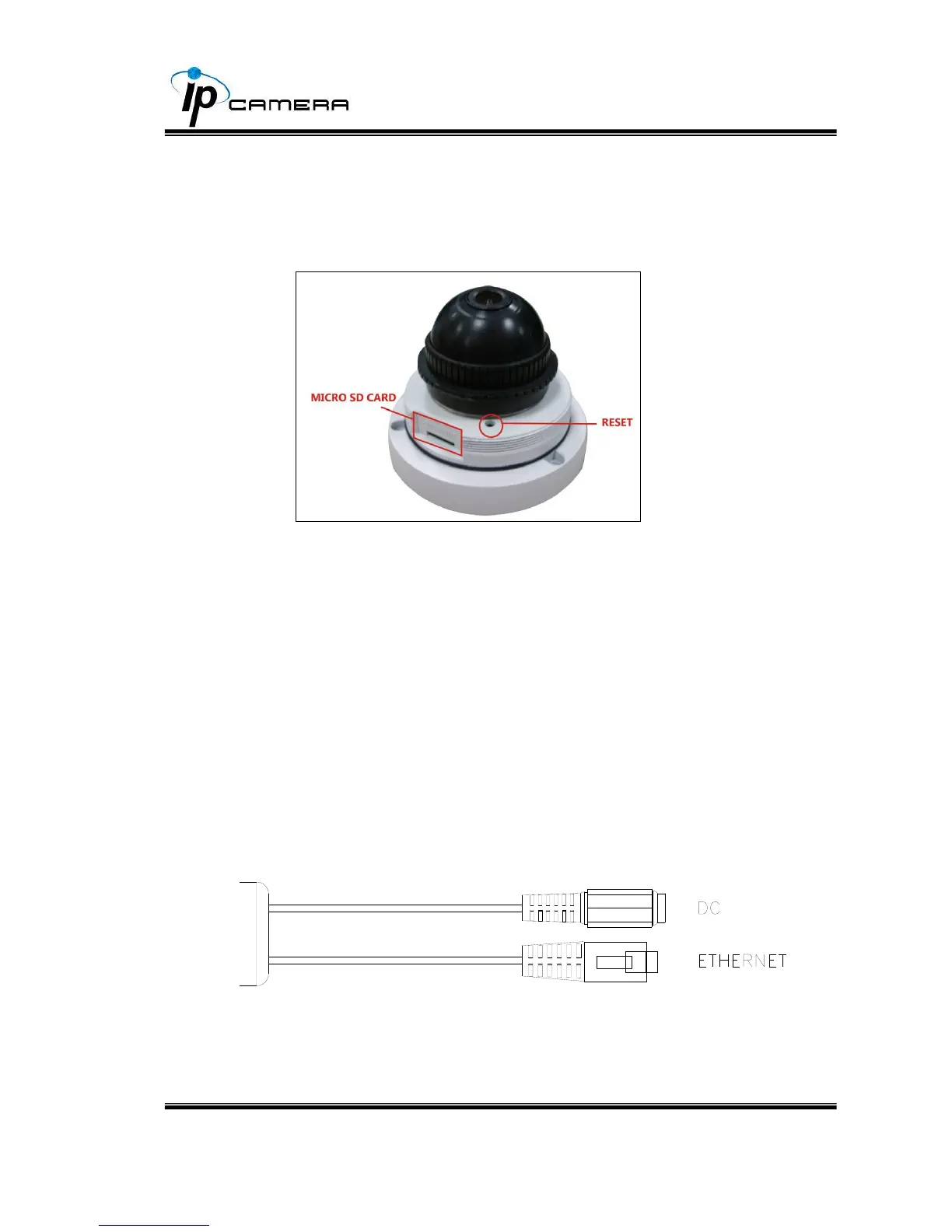
2. When removing the dome cover, you will see the Micro SD card slot
and the reset button.
After opening the front cover, to install the IP Camera and put the cover
back within 10 minutes for avoiding fog in the IP Camera Housing.
3. Connector Instruction
Connect power adaptor first, then connect the IP Camera to PC or
network, and set up the network configurations according to the network
environment.



 To Next Page