16
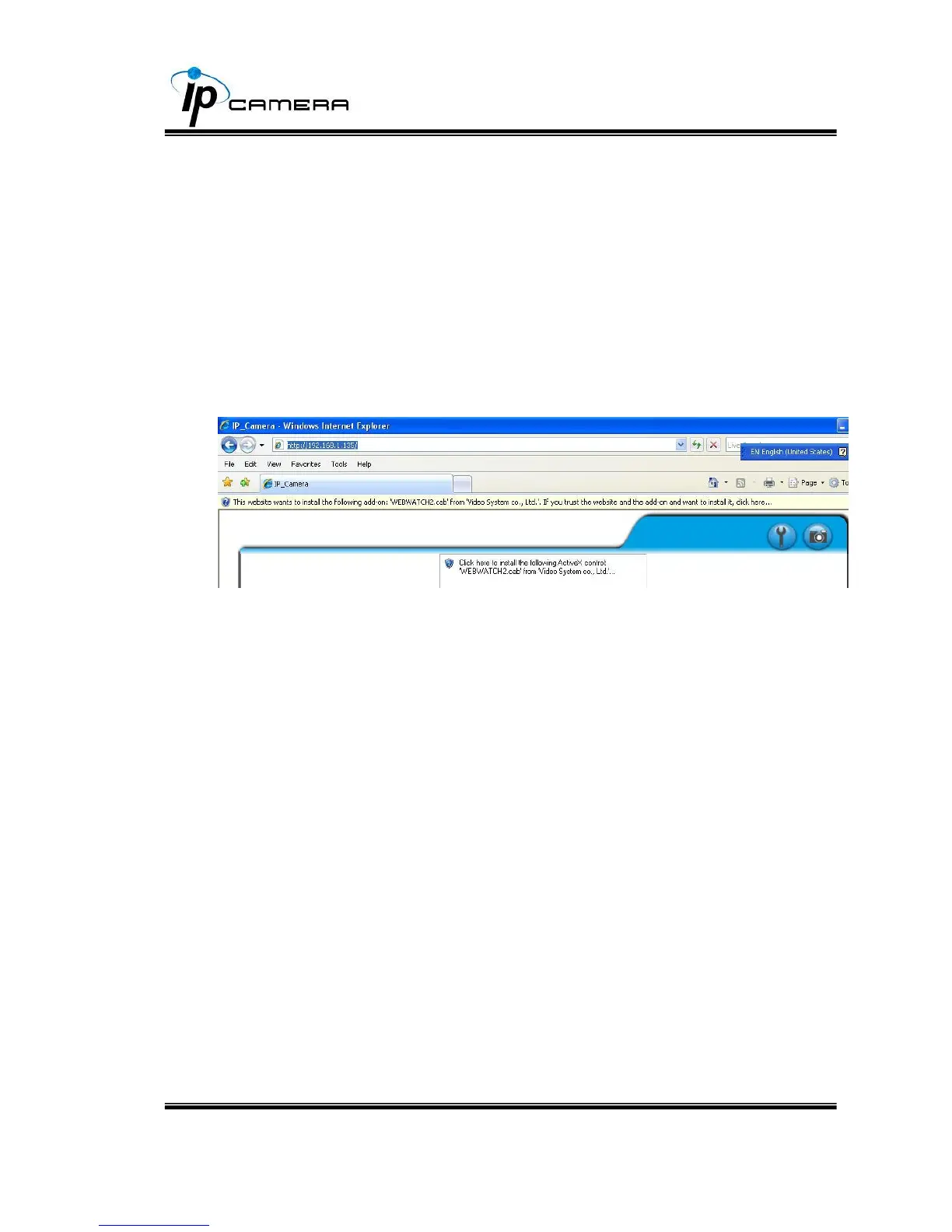
D. Install ActiveX control
1. For users of IE 6.0 or above:
For the first time to view the camera video via IE, it will ask you to install the
ActiveX component.
1. If the installation failed, please check the security setting for the IE browser.
i. IE Tools Internet Options… Security Tab Custom Level…
Security Settings Download unsigned ActiveX controls Select
“Enable” or Prompt.
ii. IE Tools Internet Options… Security Tab Custom Level…
Initialize and script ActiveX controls not marked as safe Select
“Enable” or Prompt.



 To Next Page