27
A. System
I. System Information
a. Server Information: Set up the camera name, select language, and
set up the camera time.
1. Server Name: This is the Camera name. This name will be
shown on the IP Installer.
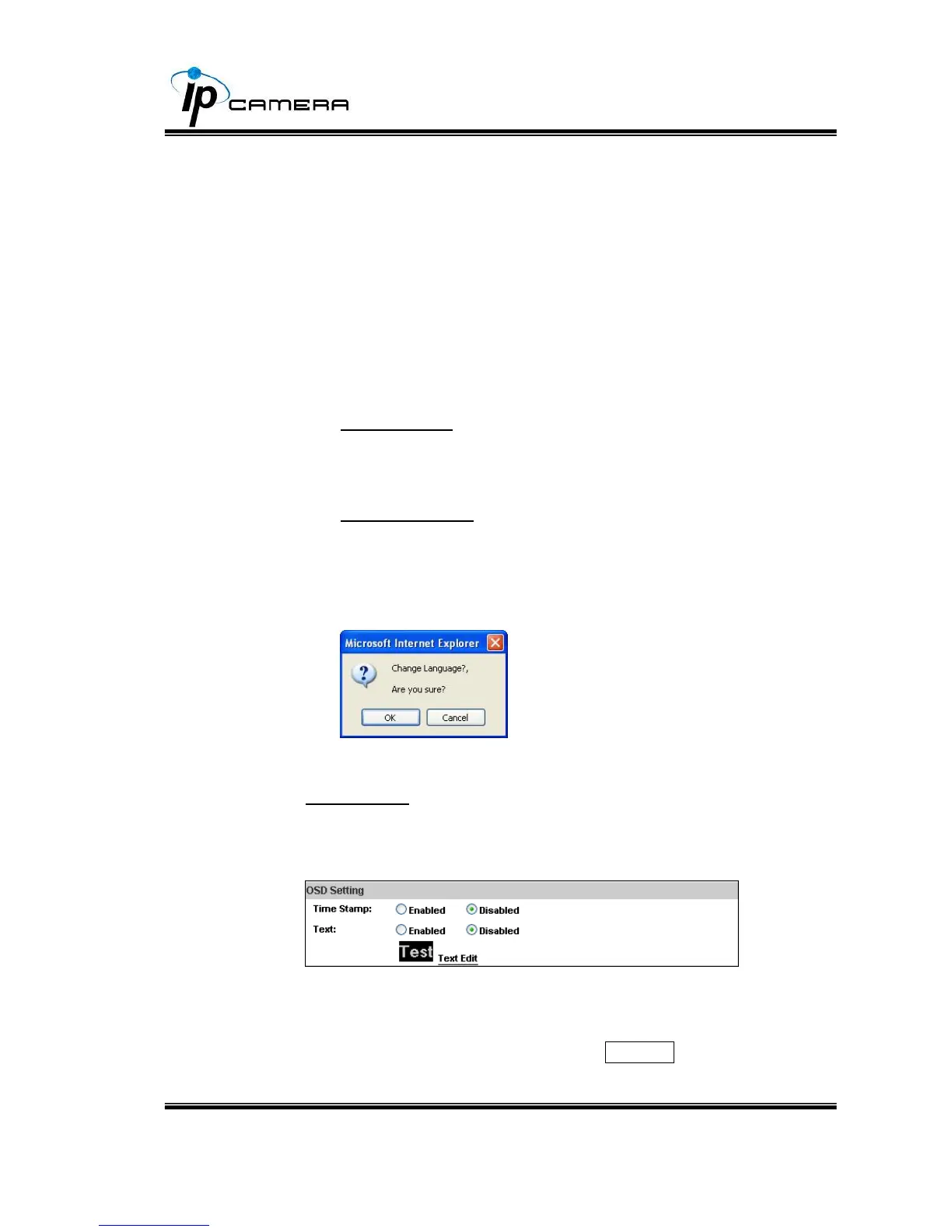
2. Select language: English, Traditional Chinese, and Simplified
Chinese can be selected. When it changes, it will show the
following dialogue box to confirm the language changing.
b. OSD Setting: Select a position where the date & time stamp / text
are shown on the screen.
Moreover, click Text Edit for changing the OSD content, including
text size and alpha. Finally, click the Upgrade button to keep the
settings.



 To Next Page