76
VII. Factory Default
If you forget your password, please follow the steps to revert back to default
value.
• Remove power adapter and Ethernet cable from the camera.
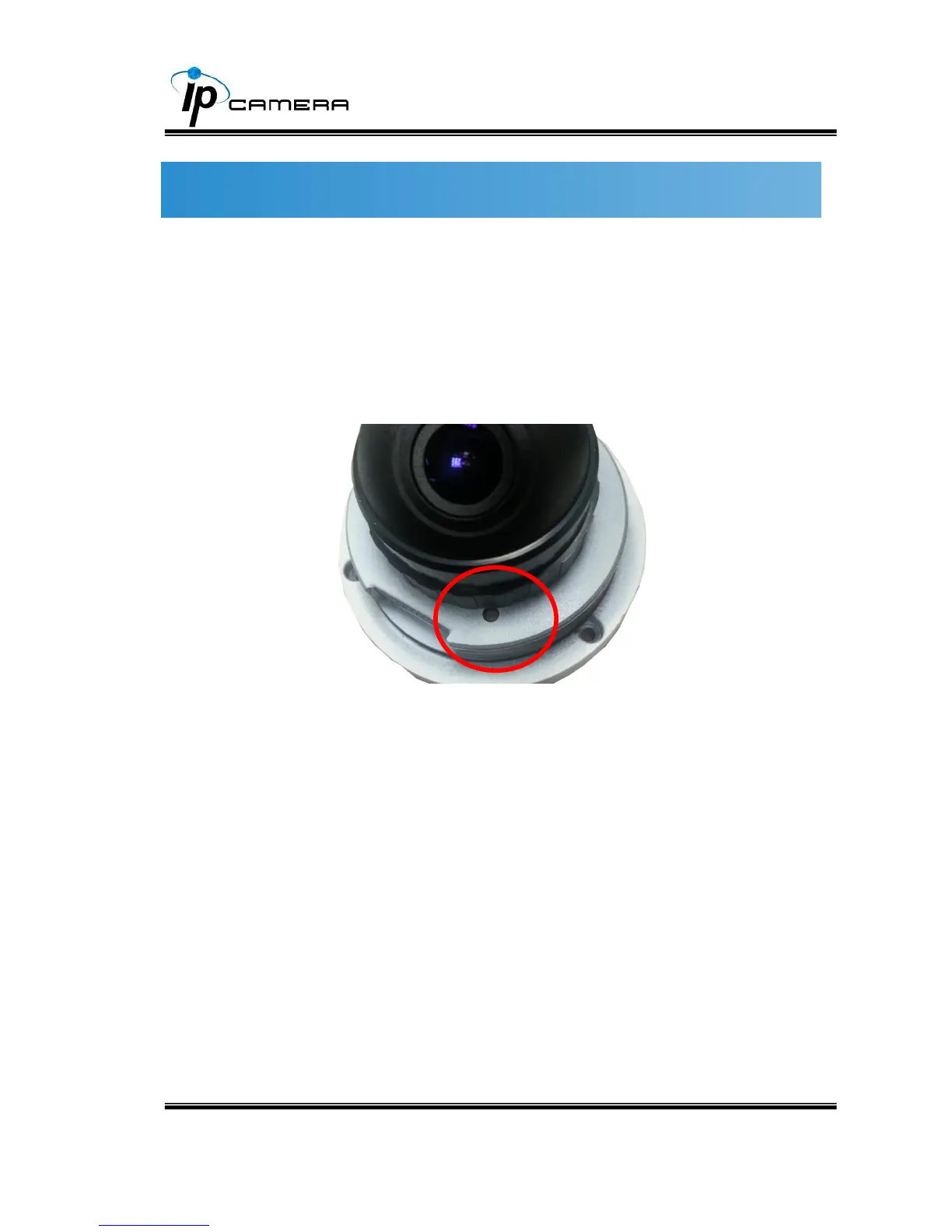
• Press and hold the Default button on the back of the camera, as the picture.
• Connect the power to the camera again. It will take around 30 seconds for
the camera to boot.
• Remove the wire and plug in the Ethernet cable after the camera
finishes booting.
• Re-login the camera by using the default IP (http://192.168.1.200), and user
name (admin), password (admin).



 To Next Page