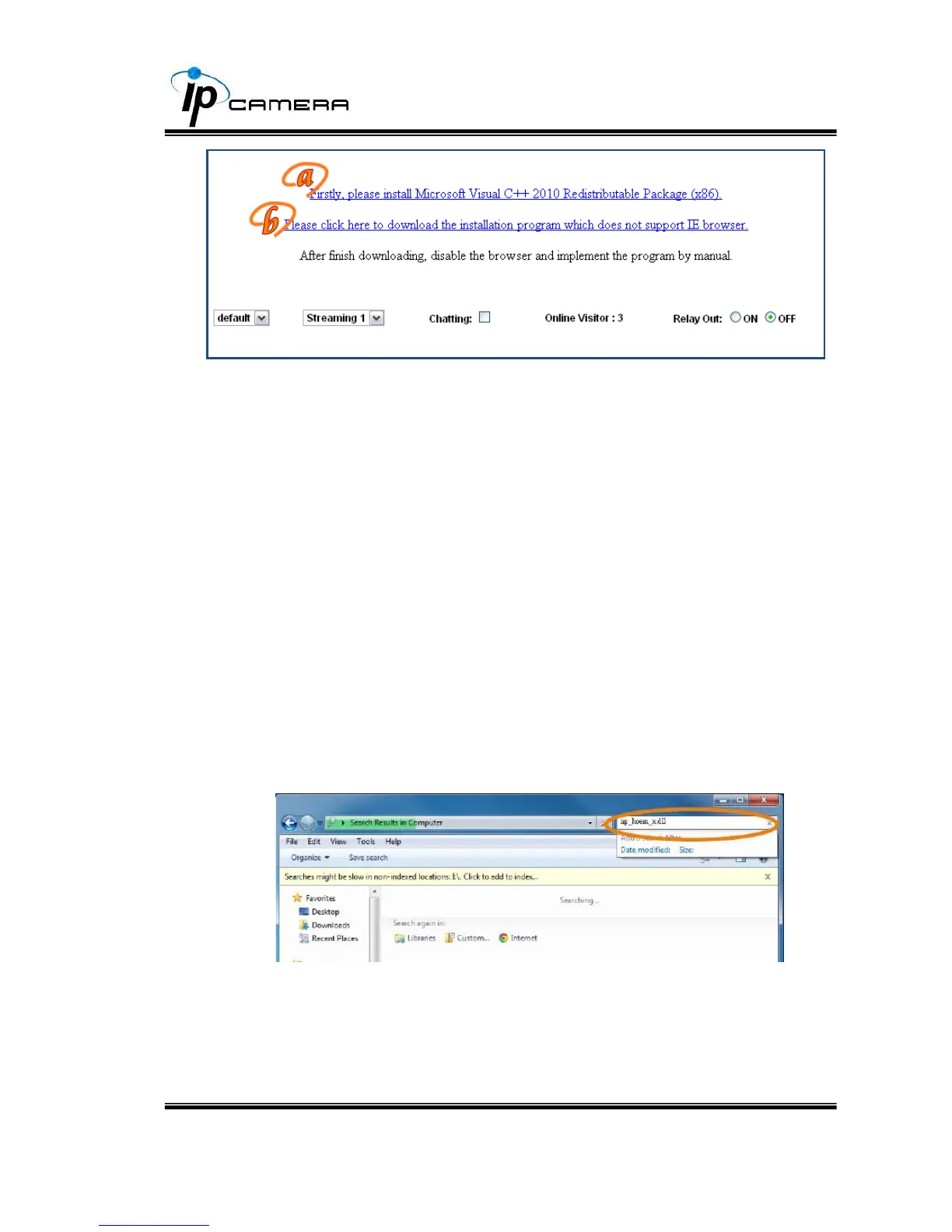
After finishing the downloading, execute the files to install ActiveX. Then restart
the browser.
c. If you execute the steps above but still cannot see the live video
normally, please try the following solution:
Search for the file "np_hoem_x.dll" in your system disk. For Windows XP users,
please go to "Start" → "Search" → Search for "All files and folders" and key-in
"np_hoem_x.dll". For Windows 7 users, please use the search bar on the
top-right of the Windows Explorer.
Delete all the files named "np_hoem_x.dll". They're the ActiveX control tools
installed in your computer, but the old version of ActiveX might not compatible
with the new version of browser. Therefore, they need to be deleted in order to



 To Next Page