24
1. Get into the administration page.
2. Video Snapshot.
3. Show the system time, video resolution, and video refreshing rate.
4. Adjust image: 1/2x, 1x, 2x.
5. Selects the video streaming source: If the streaming 2 is closed, this
function will not be displayed.
6. Shows how many people are connected to this IP camera.
Double-clicking on the video will change the view to full screen mode. Press “Esc”
or double-click the video again for changing back to normal mode.
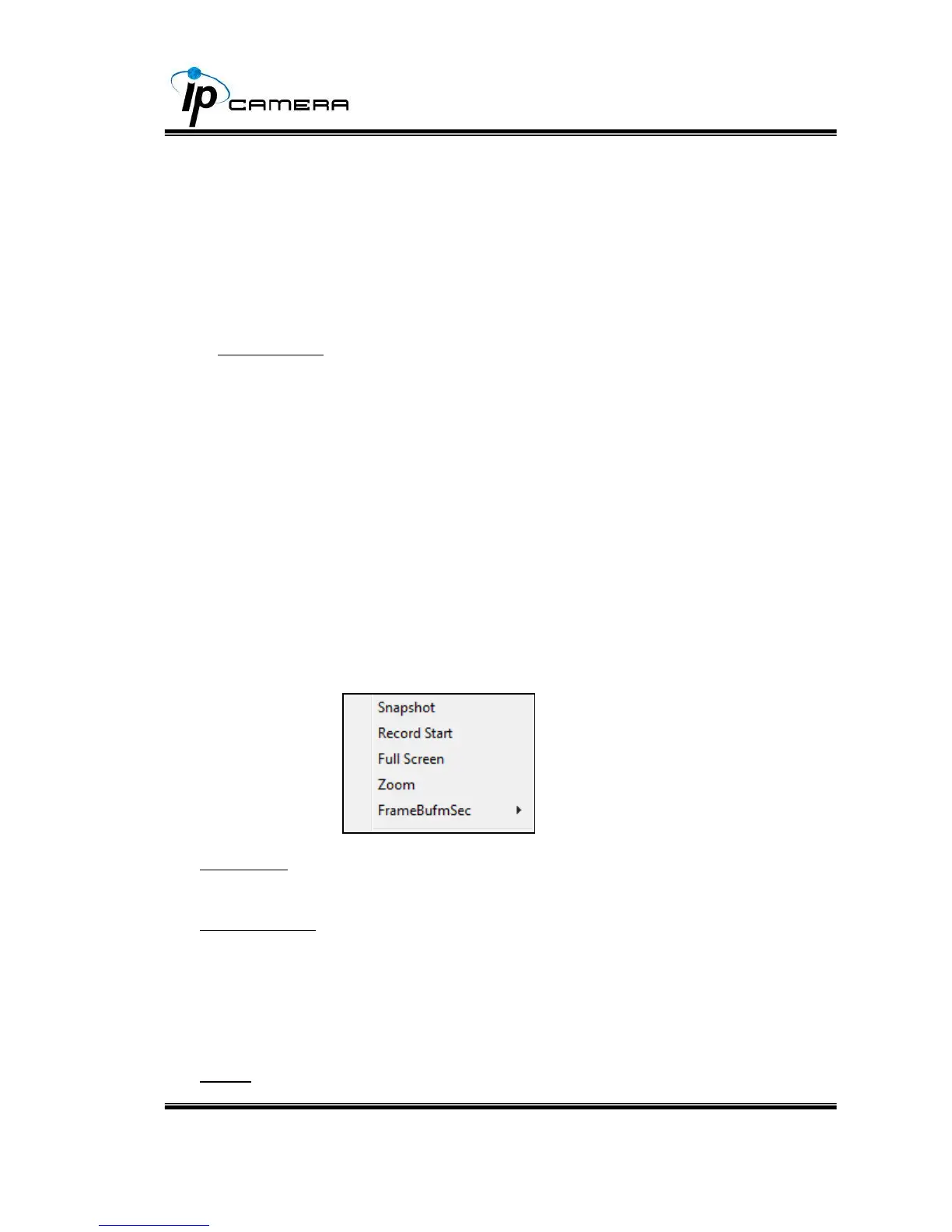
Right-Click the mouse on the video, it will show a pop-up menu.
I. Snapshot: Save a JPEG picture
II. Record Start: Record the video in the local PC. It will ask where to save the
video. To stop recording, right-click again. Select “Record Stop”.
The video format is AVI. Use Microsoft Media Player to play the recorded file.
III. Mute: Turn-off the audio. Click again to turn on it.



 To Next Page