30
c. Add user
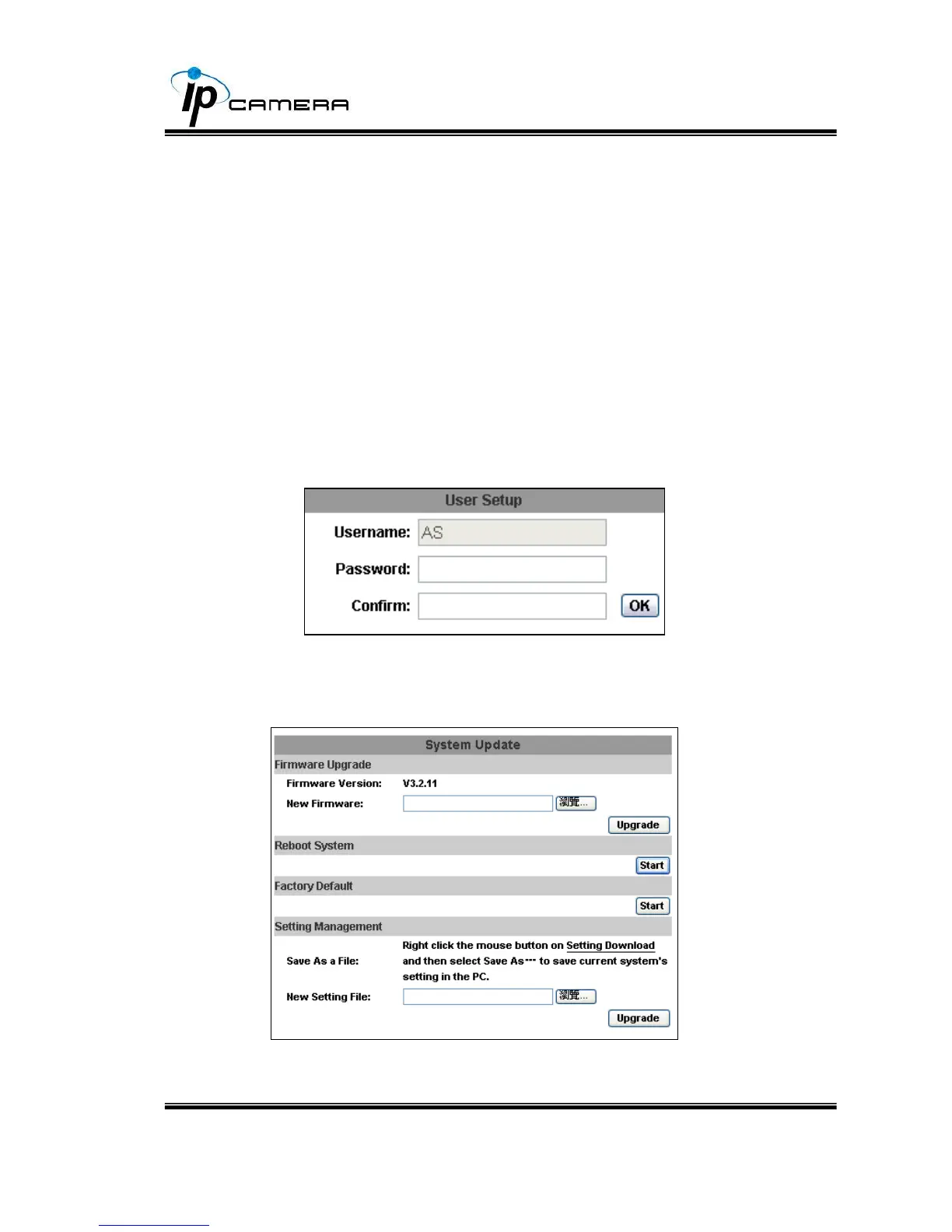
Type the user name and password, then click “Add/Set”. The guest user
can only browse live video page and is not allowed to enter the
configuration page.
d. Click “edit” or “delete” in the user list to modify them. The
system will ask you to key-in the password in the pop-up window
before you edit the user information.
III. System update



 To Next Page