67
e. Network Dis-connected:
The IP Cam will scan the network. The image will be record to the
SD card after the IP Camera detects network dis-connected, if set
“Save to SD card”.
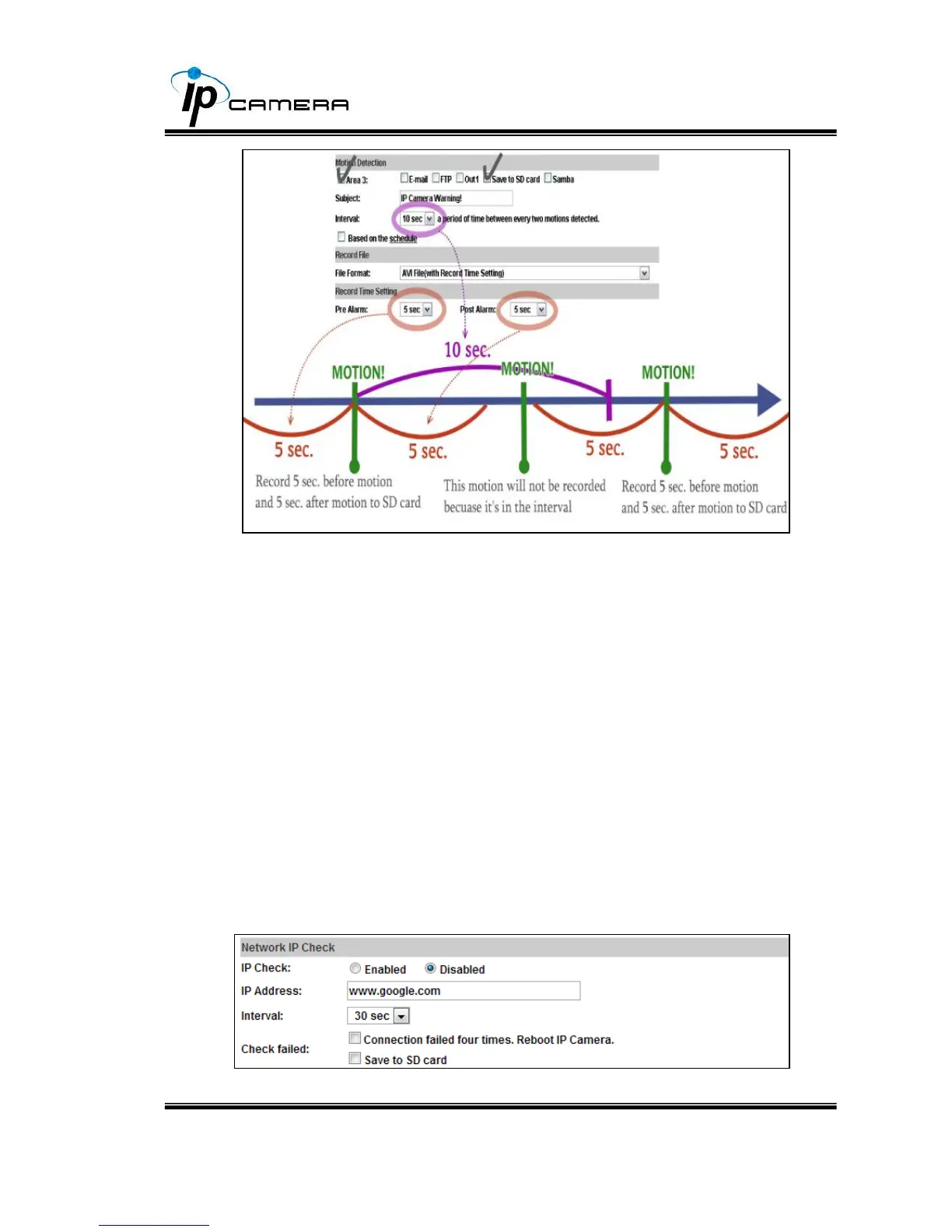
f. Network IP check:
After enable IP Check, the IP camera can check if the network
server is connecting. If the IP camera checking failed, the image will
be recorded to the SD card.



 To Next Page