78
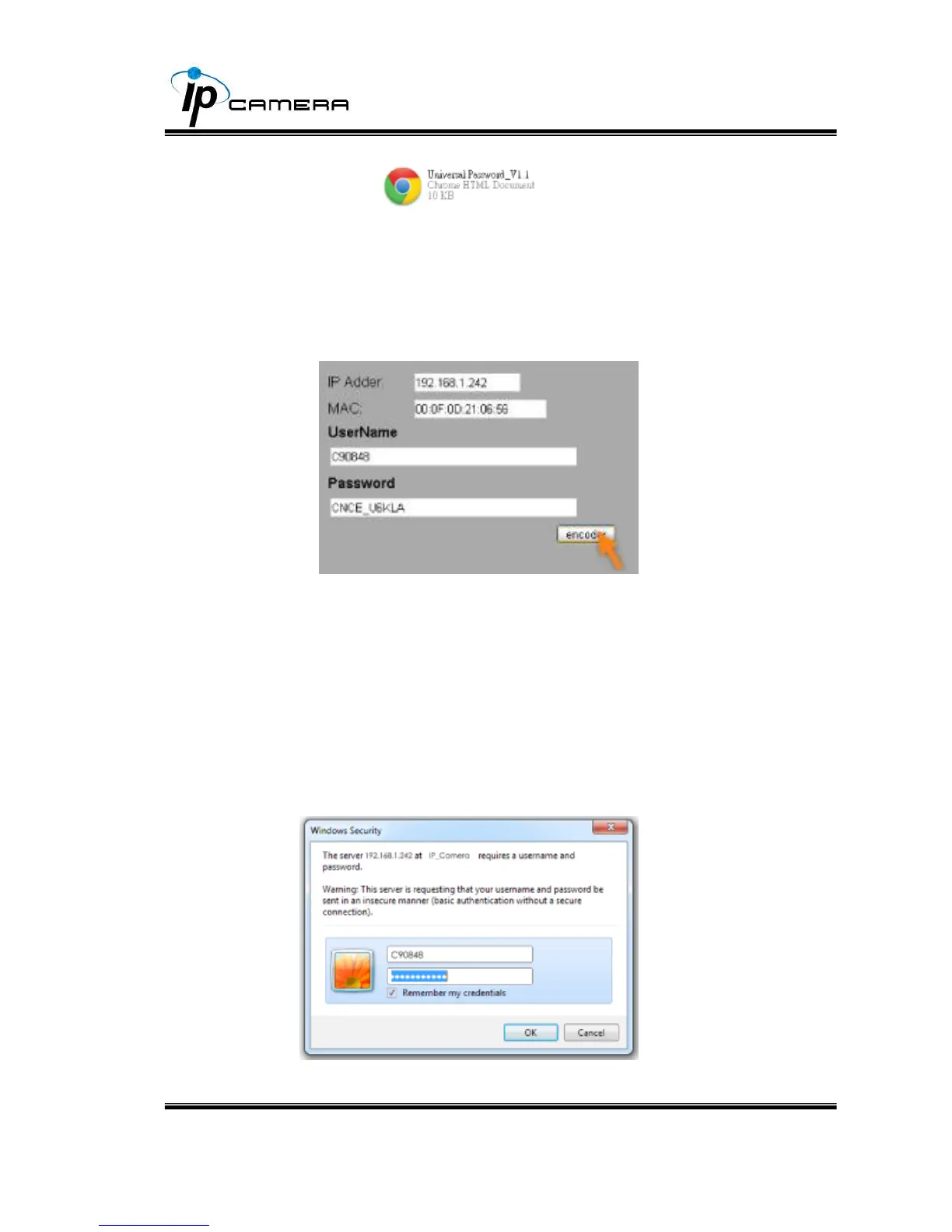
3. Key in the camera IP address “IP Adder.” column and MAC in “MAC” column,
and then click “encoder”. You will see a set of username and password appear,
as below:
The universal username and password are generated from the IP address and MAC
you key in, so if you change the camera IP address the universal password changes,
too.
4. Take the picture for example, the universal username is “C90848” and
password is “CNCE_U6KLA”. Use them to log in the camera.



 To Next Page