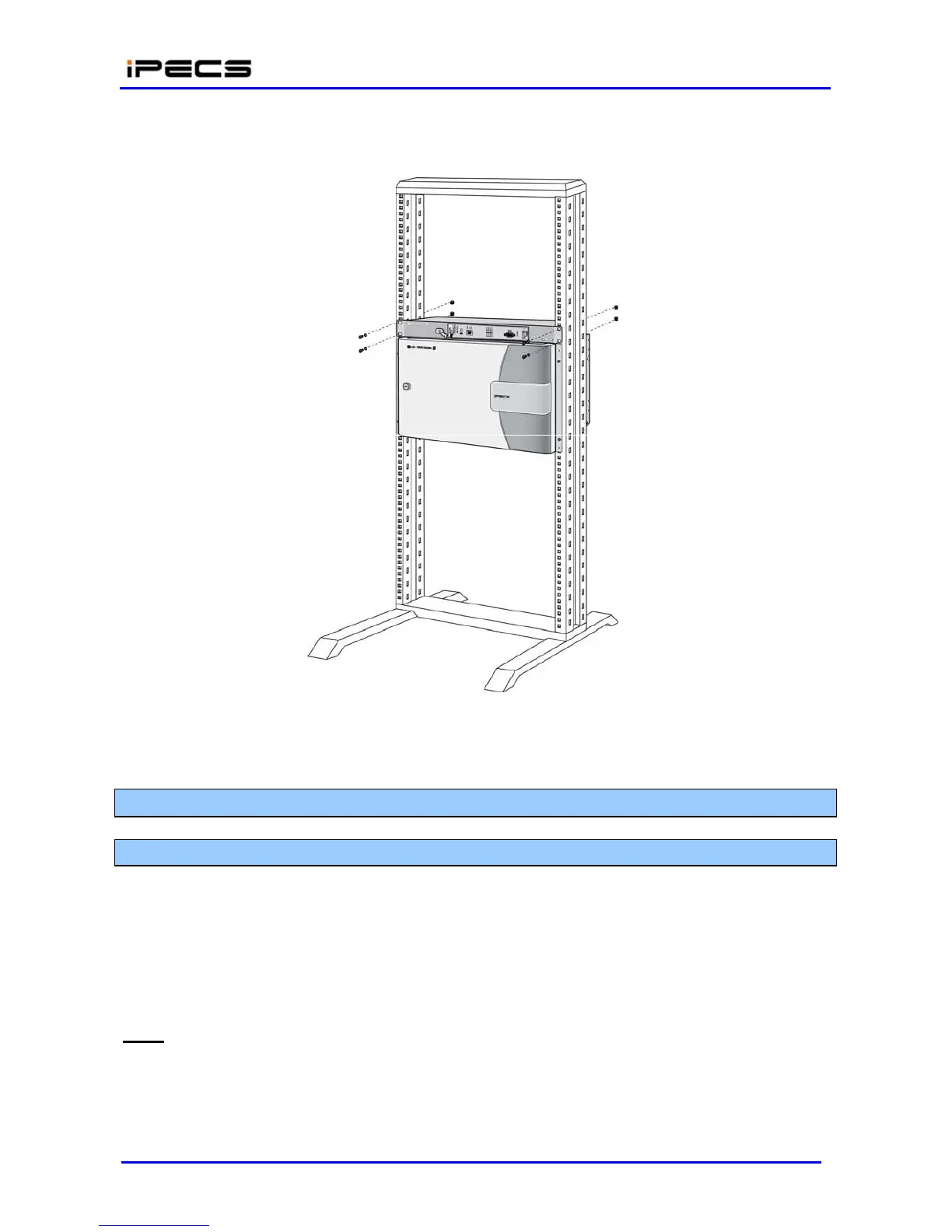
Wire the Module as described in section 4.4.
Connect the AC cable to the adapter and wall outlet to power the Module.
Figure 4.3.3-3 Installing 1URMB on the Rack
4.4 INSTALLATION
4.4.1 LIK-MFIM50A Installation
LIK-MFIM50A can be installed in the Desk Mount Holder, Wall Mount Holder and 1U Rack Mount
Bracket.
LIK-MFIM50A contains a long life Lithium battery, which protects the memory and real-time clock
in the event of a power failure. Minimum battery life is 10 years and the battery is not field-
replaceable.
LEDs
In addition to the Power and LAN LEDs, LIK-MFIM50A has ten LEDs for status and diagnostic
information as in Table 4.4.1-1.



 To Next Page