007
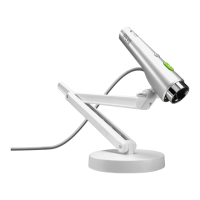
What is PoV?
2-3 PoV stand set up
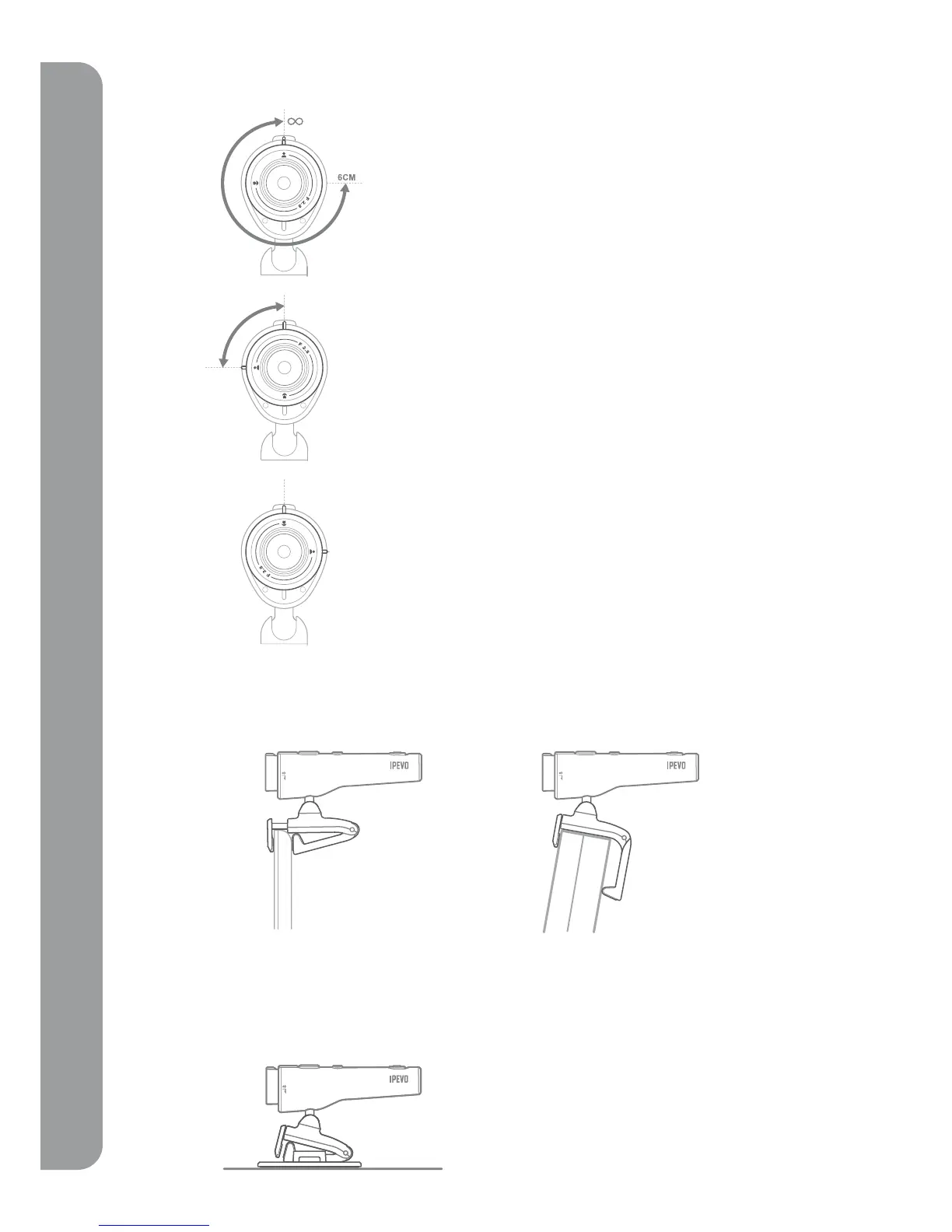
• Set up PoV on LCD or Notebook Monitor
• Use the PoV on your desk or a flat surface by using the stand along with the base.
2-2 How to adjust the PoV focus
There are two options when attaching the PoV on your notebook or LCD monitor.
(1) Use the spring loaded clip to grip the edge of your screen like a vice.
(2) Hang your PoV stand in a ‘L’ shaped hinge against the back of your monitor.
Normal mode (40cm~ infinity): This range is the
standard focal distance for PoV under most video talking
circumstances. Rotate the focus ring for total control when
objects are located between 40cm and infinity.
Macro mode (6cm): Rotating the focus ring counter
clockwise. The small flower icon located on the focus ring
shows the starting position to activate Macro mode.
PoV comes with the 6cm~infinity focus ring. The ring can
be rotated up to 270 degrees to focus exactly on a selected
subject or object of interest.



 To Next Page