SECTION III
Operation
Page 3.31
BP+2.9X
11/95
3.6 UPS Operating Procedures (continued)
3.6.3 UPS Maintenance Menu (continued)
3.6.3.3 SBS Maintenance Menu (continued)
10. This message indicates that the
Maintenance Bypass Shutdown procedure is
complete.
11. You may turn off the UPS CONTROL
switch. This message appears briefly.
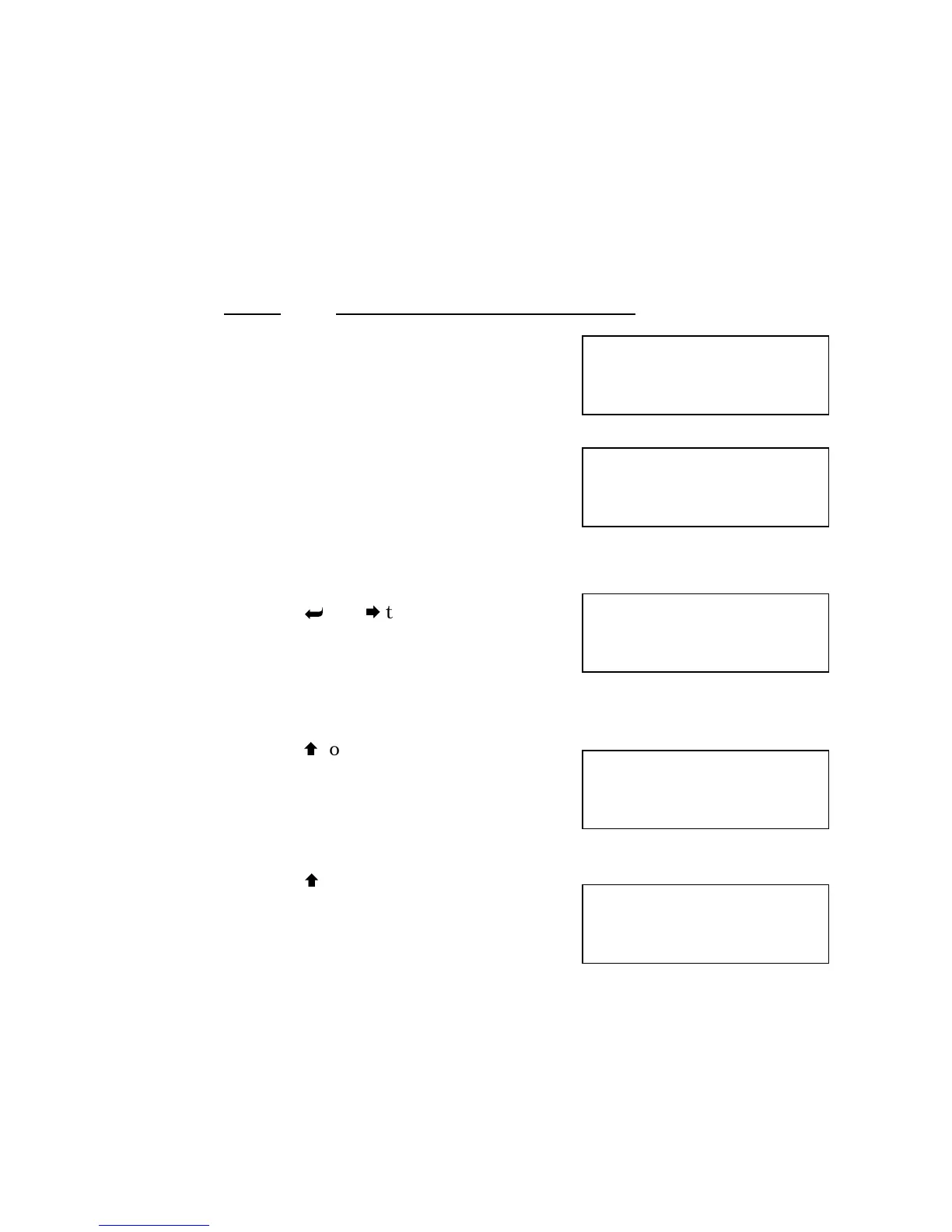
Manual Transfer to Bypass
12. Press
and
to obtain this screen.
13. Press
to obtain this screen.
14. Press
to manually transfer input to
reserve power source. This will inhibit retransfer
and light the Transferred to Bypass and
Retransfer Inhibited LED’s. It will also change
the “Inv Running” on the screen to “Wait Rexfr.”
Bypass/
Shutdown
Complete
You may
turn off
UPS control
Man Transfer
/Retransfer
Inv Running
Confirm
Yes=UP No=DN
Man Transfer
/Retransfer
Inv Running



 To Next Page