SECTION III
Operation
Page 3.37
BP+2.9X
11/95
3.6 UPS Operating Procedures (continued)
3.6.3 UPS Maintenance Menu (continued)
3.6.3.4.2 Latching Alarms Menu (continued)
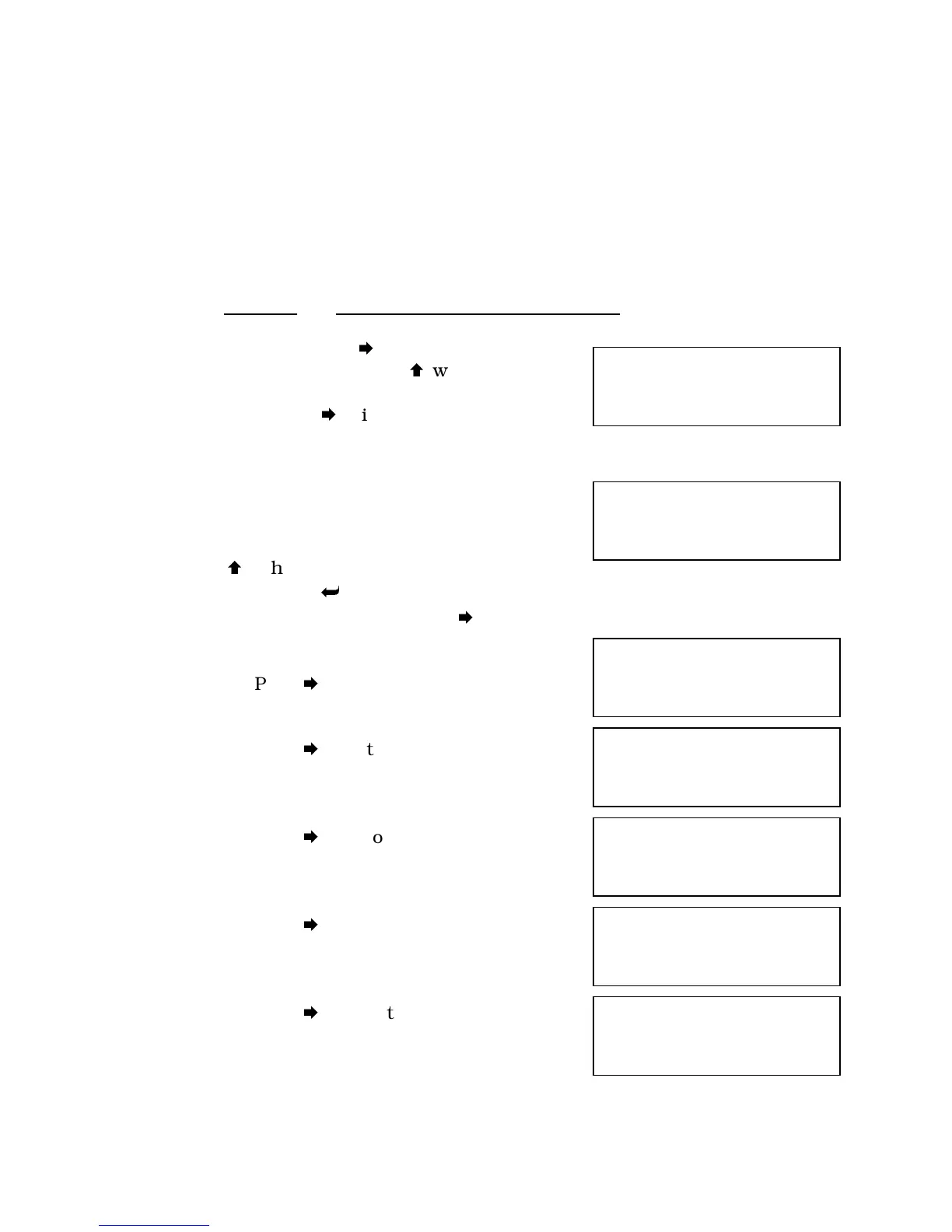
25. If you press
after step 23, you will
obtain this screen. Pressing
will ask you to
confirm that you wish to clear all latched
alarms. Pressing
will obtain the following
screen.
26. If you have cleared all latched alarms
in Step 25, this will read “Non-latching.” If you
wish to change the latching instructions on any
of the screens from Step 26 through Step 32,
press
, change the latching instructions,
confirm and press
. To go from step 26 to step
27 without making a change, press
.
27. Press
to go to the following screen.
28. Press
to go to the following screen.
29. Press
to go to the following screen.
30. Press
to go to the following screen.
31. Press
to go to the following screen.
Set all alarms latching
UP = Yes
Transfer to
Bypass
Latching
Transfer not
Available
Latching
Battery not
Available
Latching
Retransfer
Inhibited
Latching
Low Battery
Voltage
Latching
AC Input
Failure
Latching



 To Next Page