Bluetooth Function Description
Step 1:
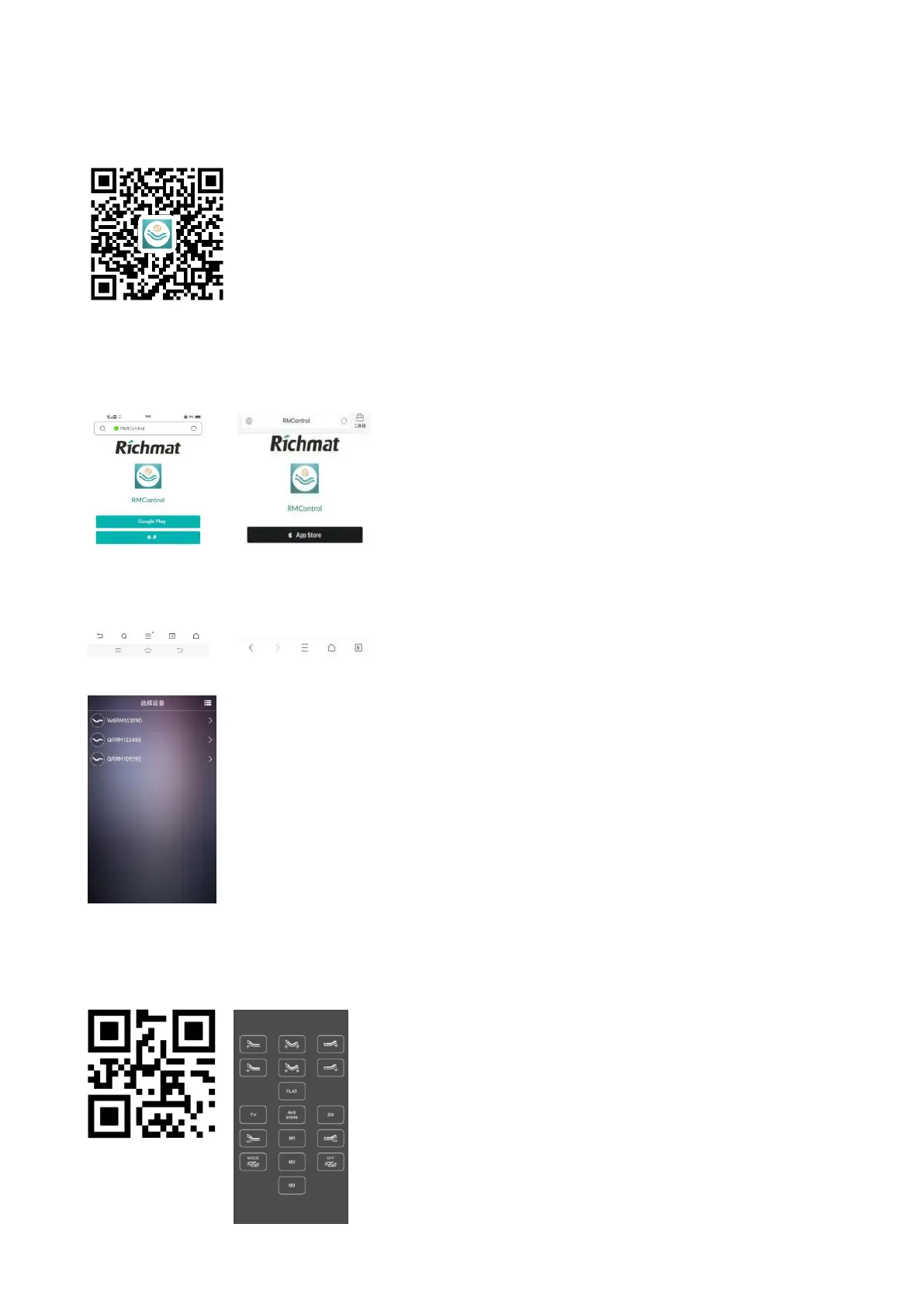
Scan the code to download the mobile APP.
Step 2:
Please click "Android" to download in China; Outside China, please click "Google
Play"(Android version 9 and above) to download. For iPhone, click "App Store" and search for
"RMControl" to download.
The Android APP requires Google Play services to operate.
Step 3:
Open App RMControl software link to "QRRMXXXXXX" 10-digit device.
Step 4:
Scan the QR code, and the operation interface appears, at which time the mobile phone
can control the operation of the motor (power-off clear link).
Enter "CORM", click search, and
the operation interface appears. At this time, the mobile phone can control the operation of the
motor (power off and clear the link)
.


 To Next Page