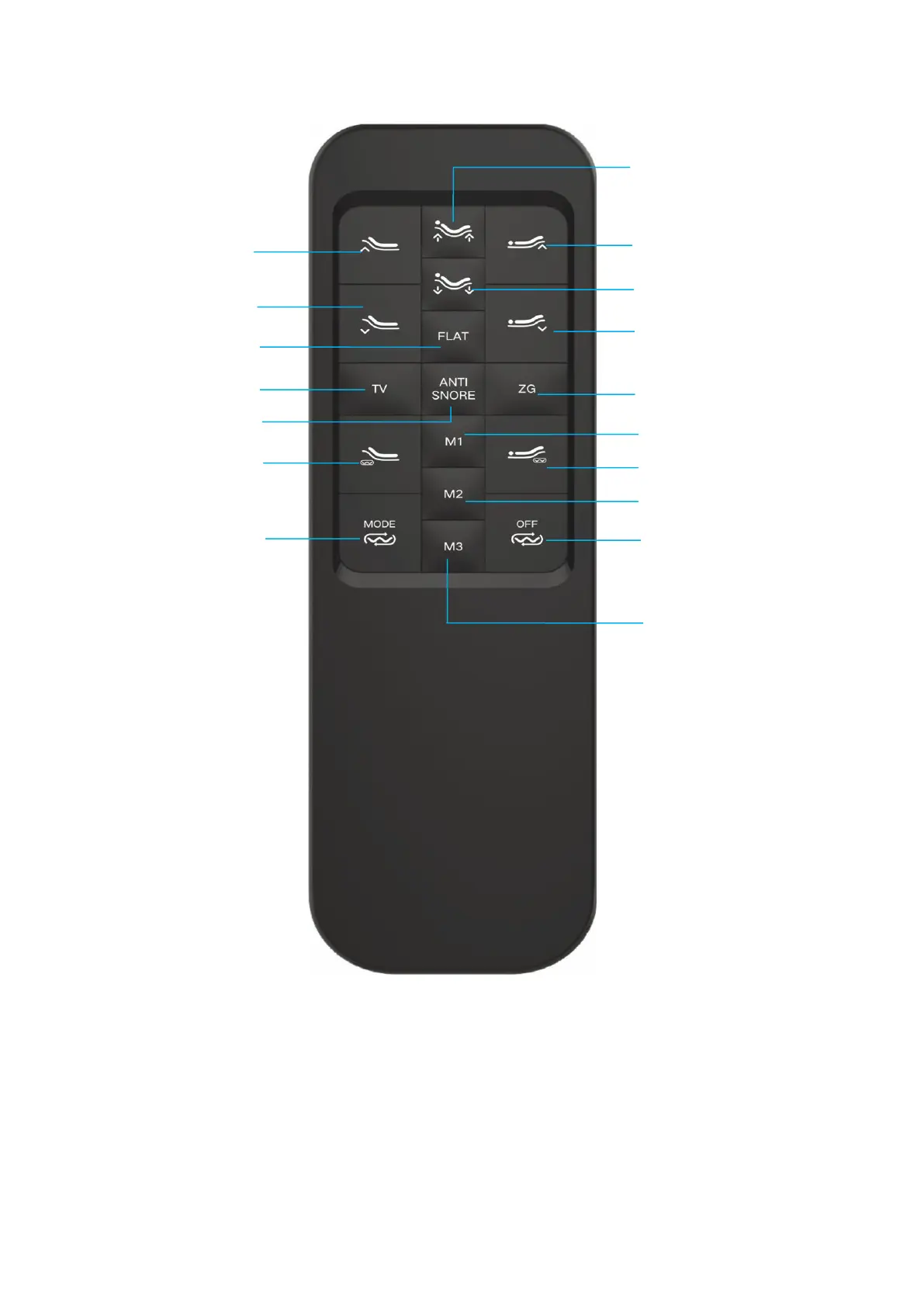
Remote control guide(M1, M2, M3)
Press this button to move the base into the position stored in the memory.
You can store new head and foot positions by customizing the memory buttons (M1 and
M2 and M3) .
??. Move the head and/or foot sections to your desired position.
??. Press and hold this button for 3 seconds, the backlight flashes quickly for 3 seconds. At
the same time, you will hear three beeping sounds. The new power base position is now
stored in your selected button overriding the factory default.


 To Next Page