www.iprosecu.com
b. FTP
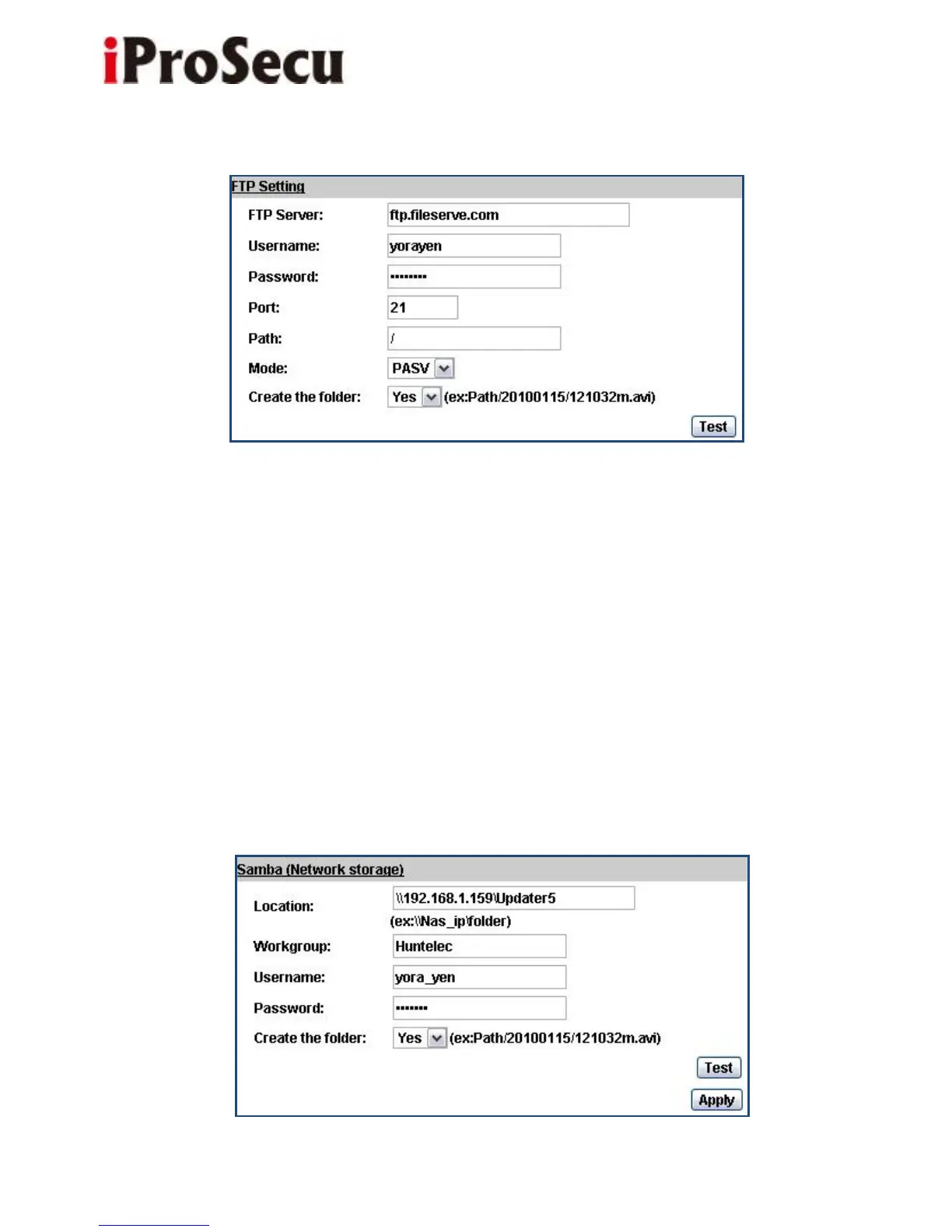
Set up the server address and account information of your FTP. Click “Apply” to
save the setting, then use “Test” button to test the server connection. A message
box will tell you “OK!” if it works, and a test file will be uploaded to FTP space.
In PORT mode, the FTP server builds the connection to the user’s data port
actively. However, from the user-side firewall’s standpoint, the action of
connecting from FTP server is often considered to be dangerous and should be
blocked. In PASV mode, the problem is solved: The FTP server waits for the
data transmission connection built by the user. Make sure that the server
supports the mode you select.
c. Samba:



 To Next Page