www.iprosecu.com
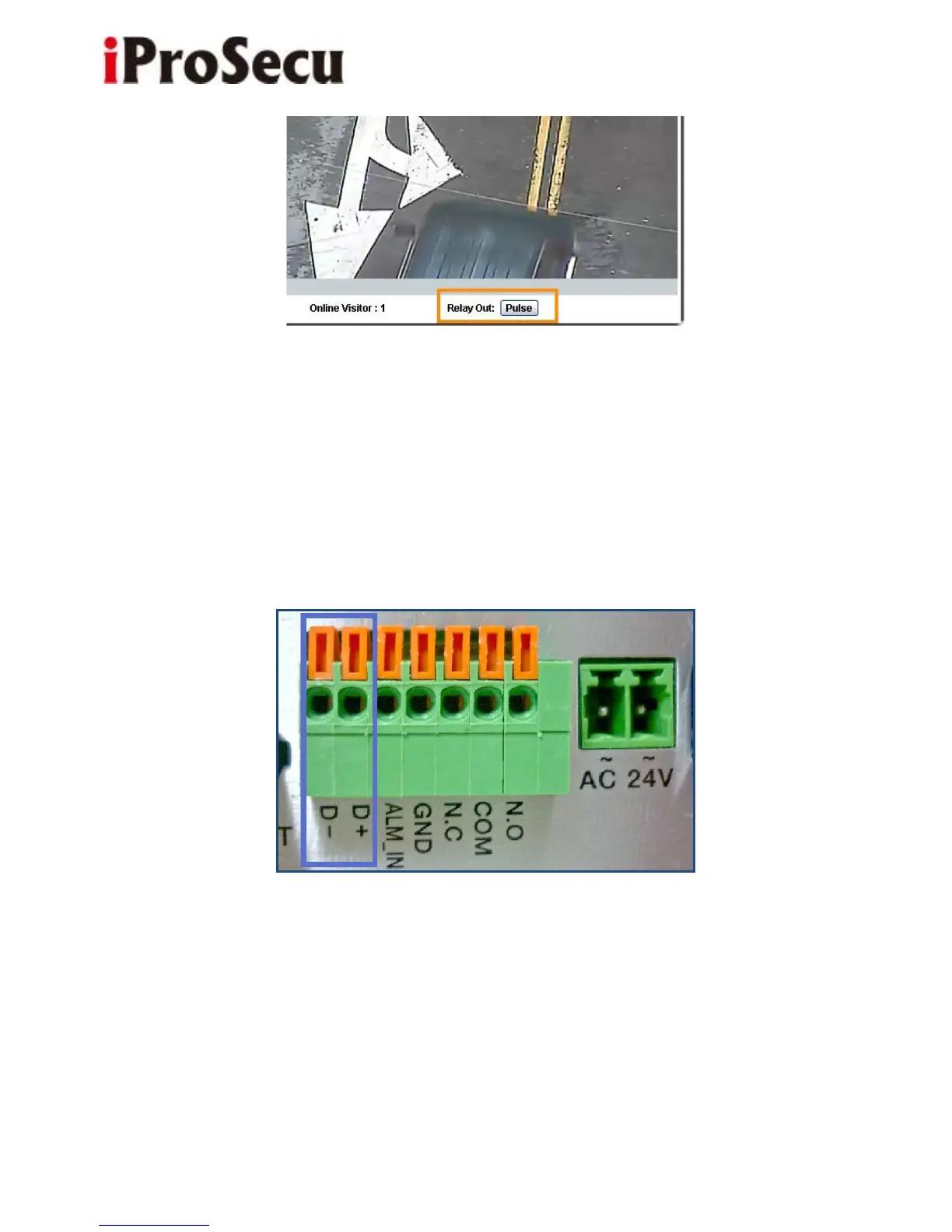
3. RS485:
You can link the IP camera to DVR/NVR, cradle head, or joystick controller by
RS-485. Please use cable to connect D+ with D+ of two device, and connect D-
with D-.
After the RS485 Setting in I/O Setting is enabled, you can turn to the live video
page and check the related options.



 To Next Page