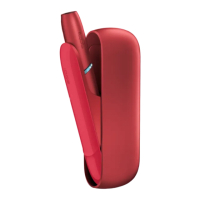
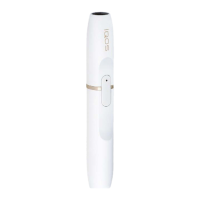
2. CHARGE HOLDER
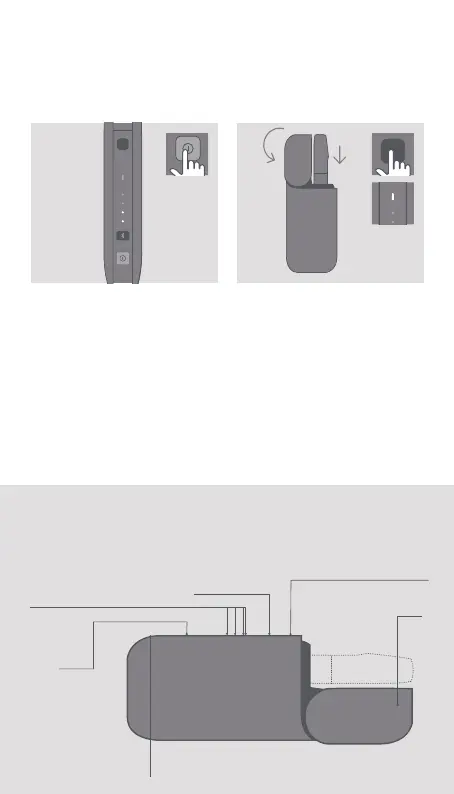
Press Lid Opening Button
to open. Insert the Holder
into the Pocket Charger, then
close the Lid to charge. Fully
charged when Holder Battery
Status Light is solid white.
1. TURN ON
Press and hold the Pocket
Charger Power Button until
lights switch on.
How to use your IQOS
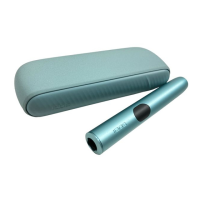
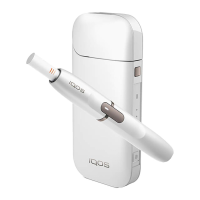
IQOS 2.4 Plus Pocket Charger
Pocket Charger
Battery Status Lights
Pocket Charger Power
Button
Bluetooth
Button
Holder Battery
Status Light
Lid
Lid Opening Button


 To Next Page