How to use your IQOS
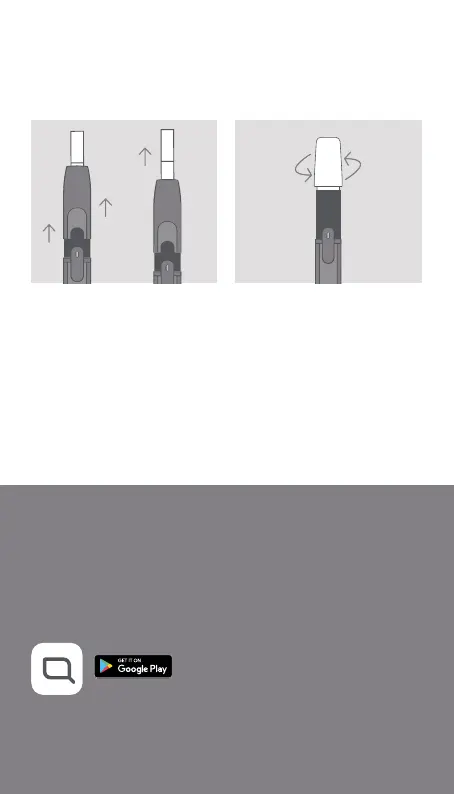
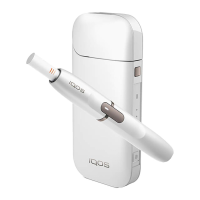
7. REMOVE TOBACCO STICK
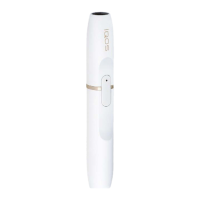
Slide Cap upward, remove
used tobacco stick then slide
Cap back again. Insert the
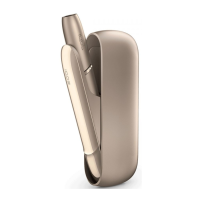
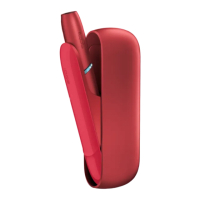
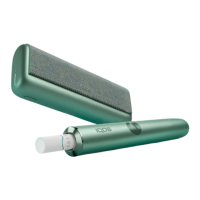
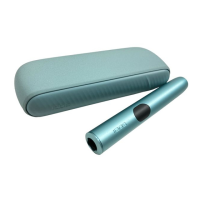
Holder back in the Pocket
Charger to recharge.
TO CLEAN
Slide Cap upward and
remove completely. Insert
IQOS Cleaning Tool and
rotate gently. Clean daily for
optimal experience.
ENGAGE WITH IQOS
For further instructions and Customer Care support visit
www.iqos.com
Download the IQOS Connect App on Google Play*
*Google Play and the Google Play logo are trademarks of Google LLC.
*IQOS Connect App may not be available in your country.


 To Next Page