Quick Tips
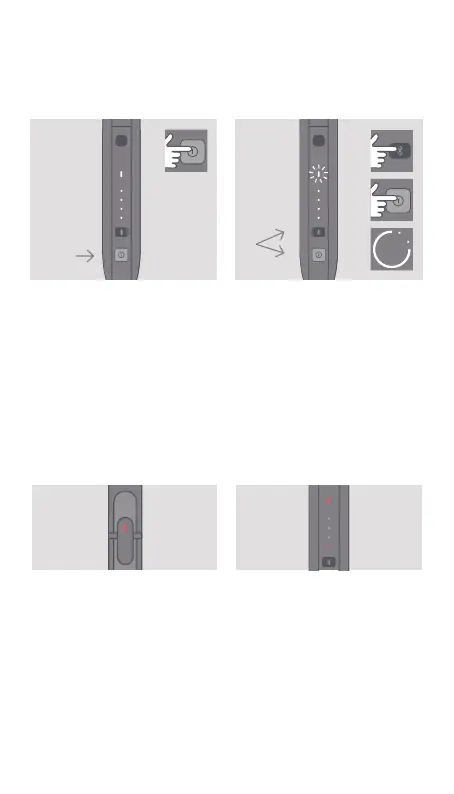
TO CHECK BATTERY STATUS
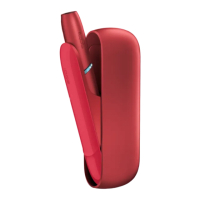
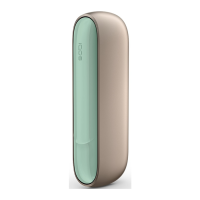
Tap the Pocket Charger
Power Button to check
battery level.
TO RESET
Simultaneously press the
Bluetooth and Pocket Charger
Power Buttons for 10 seconds,
then release. Pocket Charger
Battery Status lights will switch
on, then blink twice to conrm
a reset.
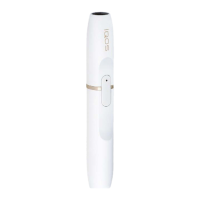
RED LIGHT ON HOLDER
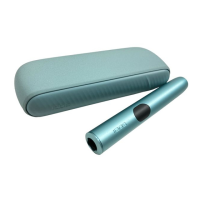
1/ Holder needs to be
recharged. Place in Pocket
Charger and make sure it is
switched on.
2/ If the light remains red
aer a recharge, try a reset
as indicated above.
RED LIGHT ON POCKET
CHARGER
Try resetting IQOS. If the red
light persists, please contact
Customer Care.
Quick Tips
10
″


 To Next Page