InfiRay Outdoor • Geni GL35R Series • Quick Start Guide www.infirayouordoor.com
All rights reserved and shall not be copied and distributed in any form without written permission
➢ In the home screen, briefly press the Z (5) button to operate the
incremental digital zoom in loop to switch magnification times. At the
same time, the icon in the top status bar changes accordingly.
➢ Also, you can select the digital zoom in the shortcut menu (referring to
the second page of the shortcut menu).
12 Photographing and Video
Recording
Geni series thermal imaging scope is equipped with a function for video
recording and photographing observed images onto the built-in memory
card. The files of images and videos will be named after the time, so it is
recommended to reset the system time in the Main Menu – More - Time
Setting or to synchronize the system time and date in the Settings of the
APP InfiRay Outdoor before using the camera and video function. For
specific operations.
Photographing
➢ Take a photo with a short press of the C (3) button in the home screen.
➢ A camera icon ( ) shows in the upper-right of the screen and the
image will freeze for 0.5s when the function performs.
Video recording
➢ Press and hold the C (3) button in the home screen to start the video
recording.
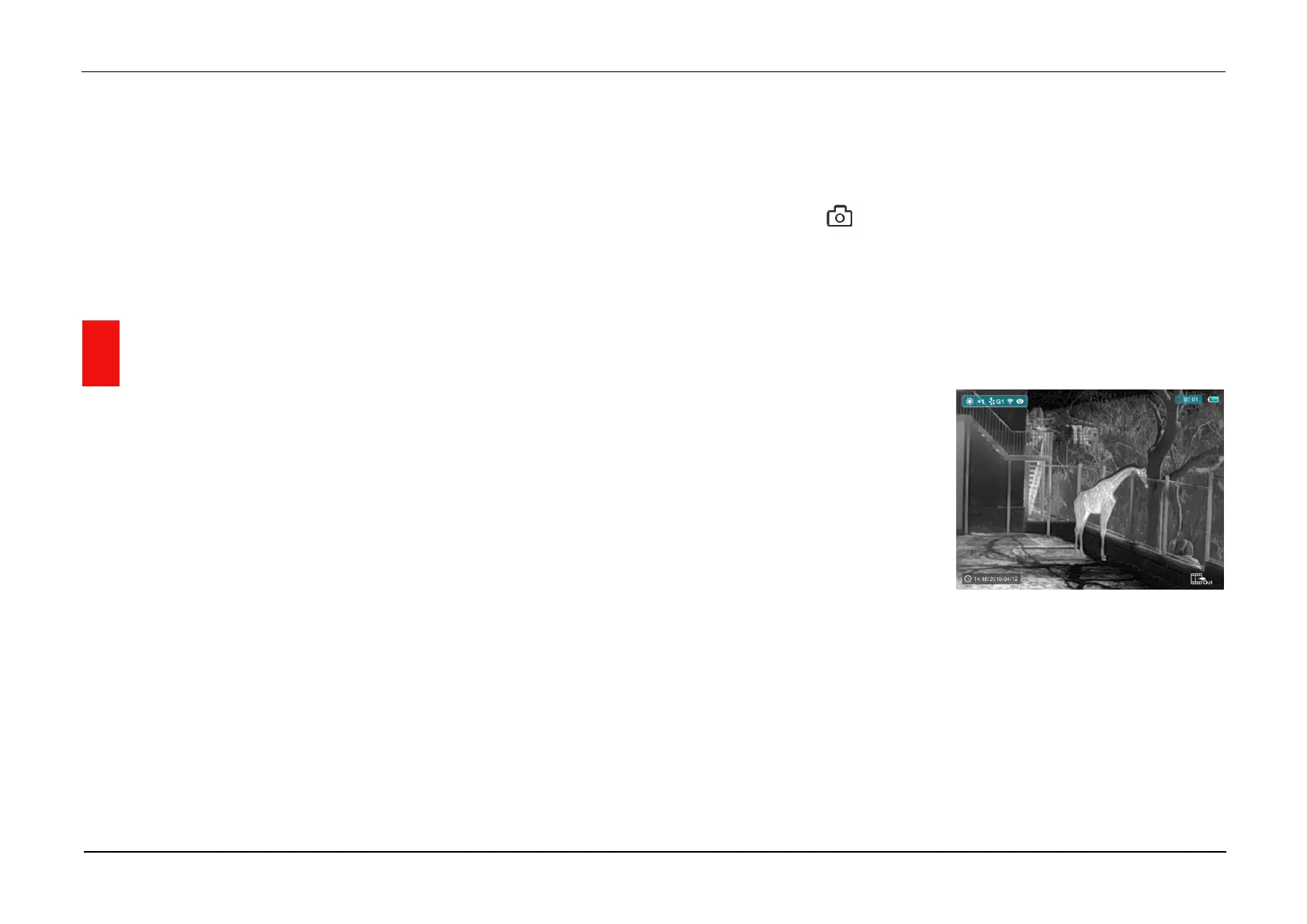
➢ A tooltip showing the recording
time in MM: SS (minutes:
seconds) format will appear in
the upper right corner of the
display.
➢ The red dot in the tooltip flashes during recording.
➢ During recording, short press the C (3) button to take a photo also.
➢ Press and hold the C (3) button again to exit the recording when done.
➢ Video and picture files are stored in the built-in memory card after video
recording has been turned off. But the video will not be saved if you skip
the process and shut down the device suddenly instead.



 To Next Page