InfiRay Outdoor • Geni GL35R Series • Quick Start Guide www.infirayouordoor.com
All rights reserved and shall not be copied and distributed in any form without written permission
➢ The photos and videos can be read on the computer via the USB cable.
Note
- Notice that the recorded video cannot be saved if you directly shut
down or power off the device other than long pressing the C (3) button
to exit
- You can enter and work on the menu during video recording.
- The recording time is accumulated in minutes until the recording stops,
that is, the time shows 60:00 after 59:59.
- The maximum duration of a video recording file is 10 minutes. When it’s
more than 10 minutes, the video will be recorded onto a new file.
- The number of files is limited by the capacity of the device's built-in
memory. Regularly monitor the amount of free memory in the built-in
memory card, transferring footage and photos to other media to free up
space on the memory card.
Memory Access
When the device is turned on and connected to a computer, it is
recognized by the computer as a flash memory card, which is used to
access the device's memory and make copies of pictures and videos.
➢ Turn on the device and connect it to the computer through the USB
cable.
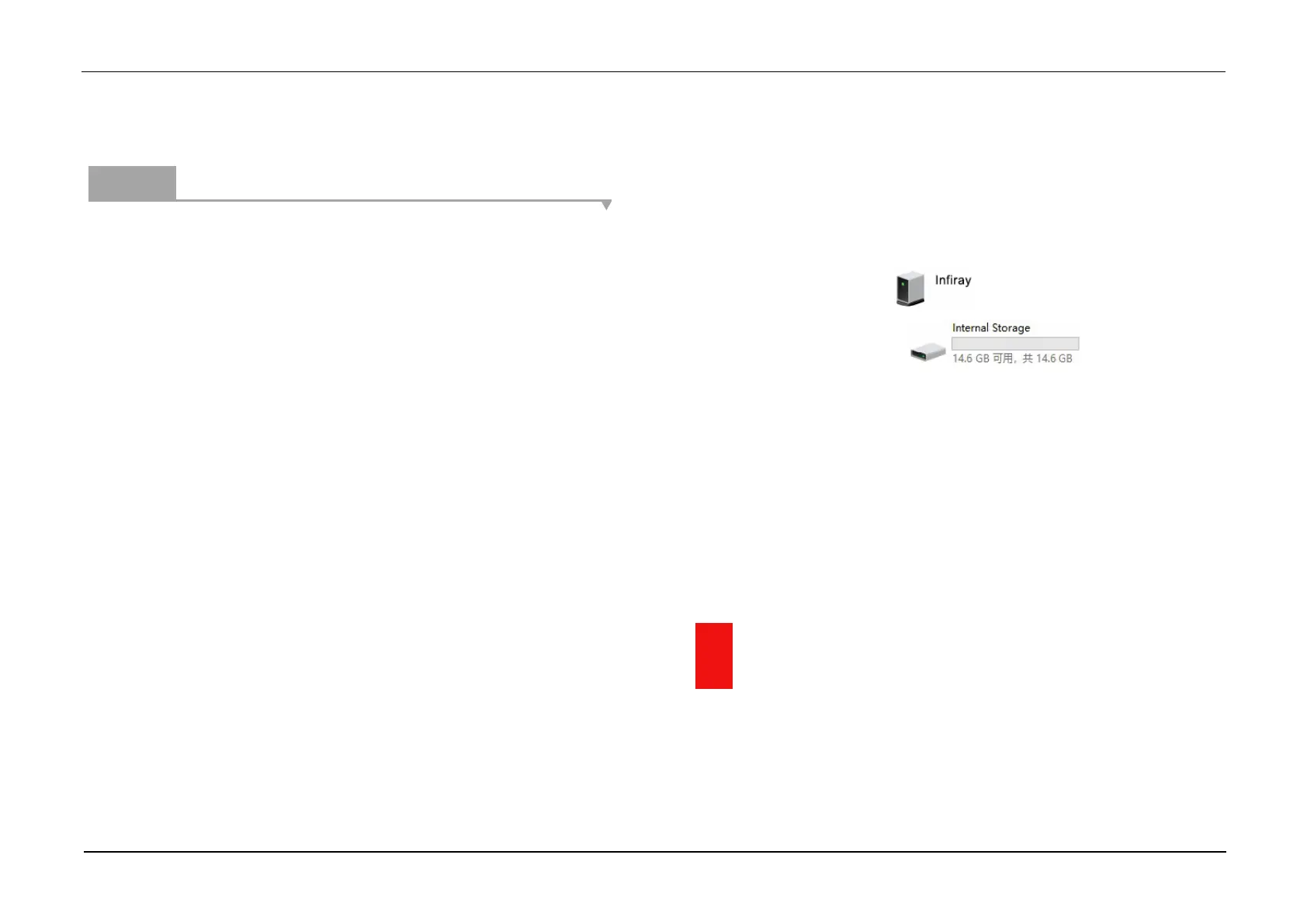
➢ Double-click "my computer" on the desktop - double-click to open the
device named "Infiray" - then click and open the device
named "Internal Storage" to access
memory.
➢ There are different folders named by time in memory.
➢ Recorded videos and photographs are saved in these folders in the
format: IMG_HHMMSS_XXX. jpg (for photos) and VID_HHMMSS.mp4
(for video). HHMMSS- hour/minute/ second; XXX - three-digit common
file counter for photos which is NOT reset.
13 Laser Rangefinder Function
➢ In the home screen, press and hold the Z (5) button to turn the laser
rangefinder function on/off.


 To Next Page
 Loading...



