InfiRay Outdoor • Geni GL35R Series • Quick Start Guide www.infirayouordoor.com
All rights reserved and shall not be copied and distributed in any form without written permission
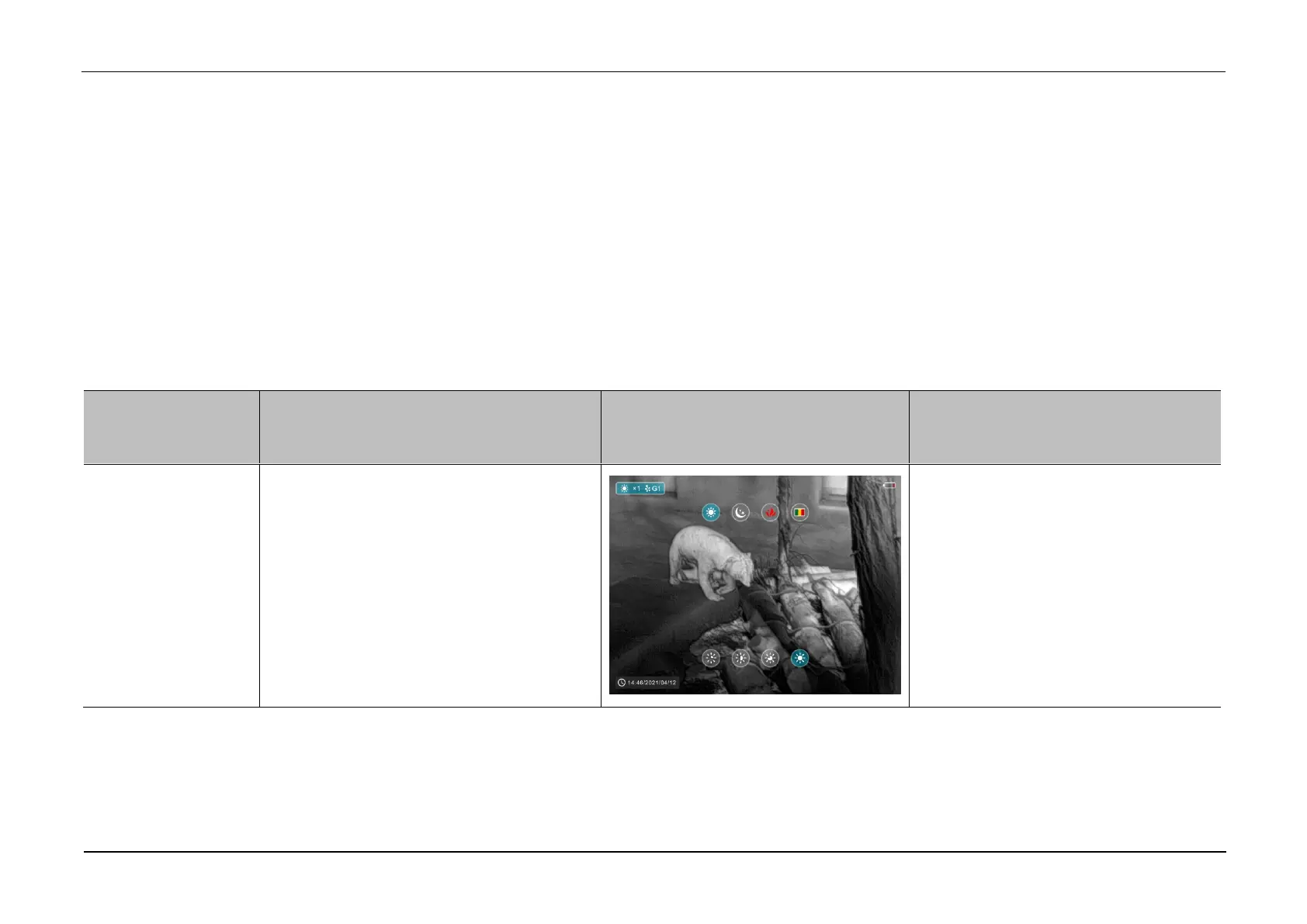
➢ In the home screen, short press the M (4) button to enter the shortcut
menu.
➢ There are four pages (when the reticle function is invoked) and two
functions on each page, one at the top and one at the bottom.
➢ On each page, press the Z (5) button briefly to switch the options of the
top function, and press the C (3) button briefly to switch the options of
the bottom function. And each function has four options
➢ Press the M (4) button briefly to switch the next page.
➢ Briefly press the P (6) button to exit the shortcut menu.
Shortcut Menu Options and Descriptions
➢ Short press the Z (5) button to adjust
image palette among white hot, black
hot, red hot and color.
➢ Short press the C (3) button to adjust
the image brightness level from 1 to 4
gradually enhanced.



 To Next Page