InfiRay Outdoor • Geni GL35R Series • Quick Start Guide www.infirayouordoor.com
All rights reserved and shall not be copied and distributed in any form without written permission
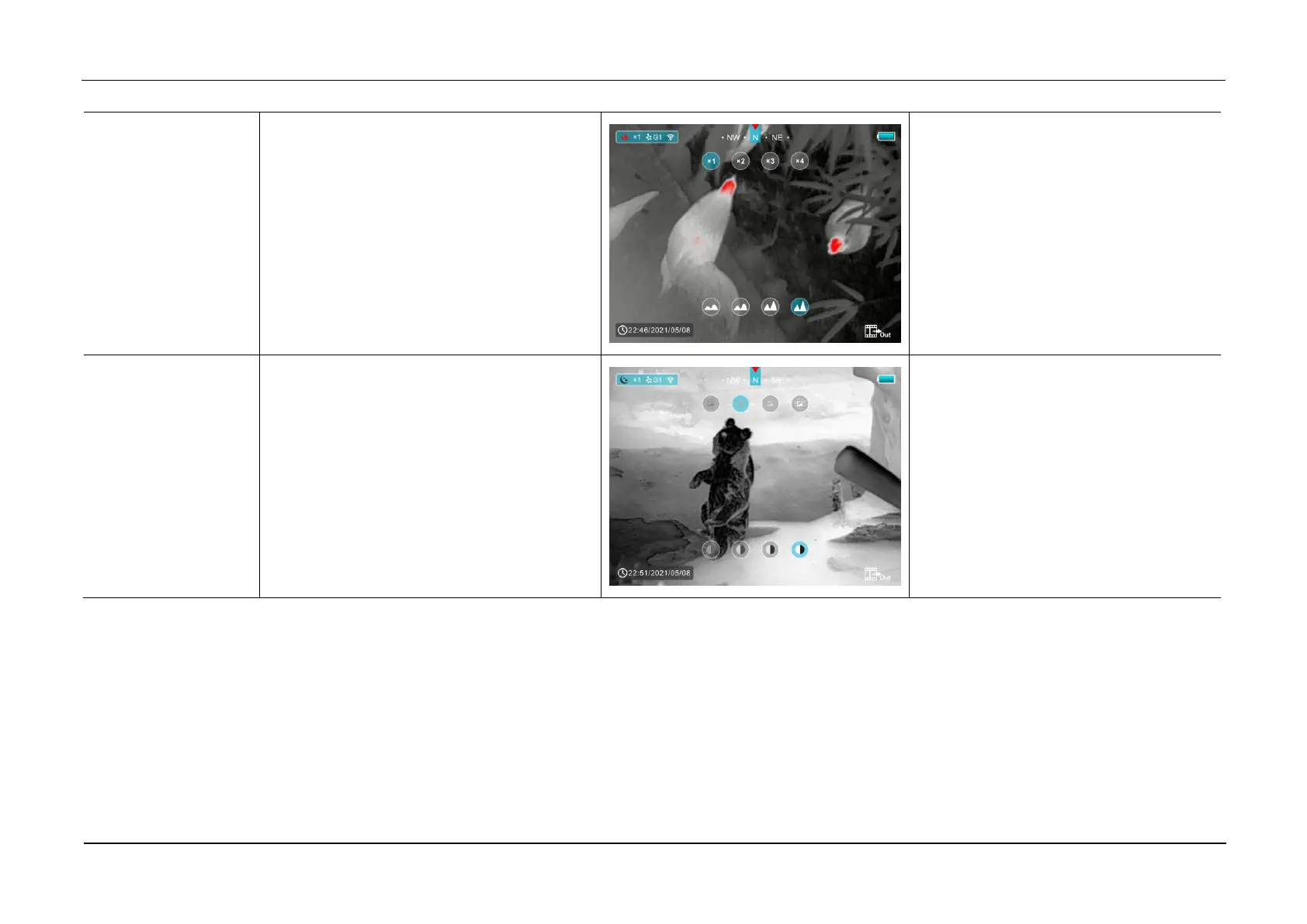
Enter the second page of the shortcut menu
to adjust E-zoom and image sharpness
➢ Short press the Z (5) button to perform
E-zoom parameter x1, x2, x3 and x4.
➢ Short press the C (3) button to adjust
the image brightness level from 1 to 4
gradually enhanced.
Enter the third page of the shortcut menu to
adjust the image brightness and image
contrast
➢ Short press the Z (5) button to
cyclically adjust the image brightness
level from 1 to 4 gradually enhanced.
➢ Short press the C (3) button to adjust
the image brightness level from 1 to 4
gradually enhanced.



 To Next Page